

The update log
Under What’s new at the bottom of the menu, heyArtist tells you about new features and improvements. If something new has arrived since you last looked, a small dot shows by the menu item. It disappears once you have opened the log.
The screenshots show heyArtist in Danish; the labels are named in English here as they appear when you switch the app to English.
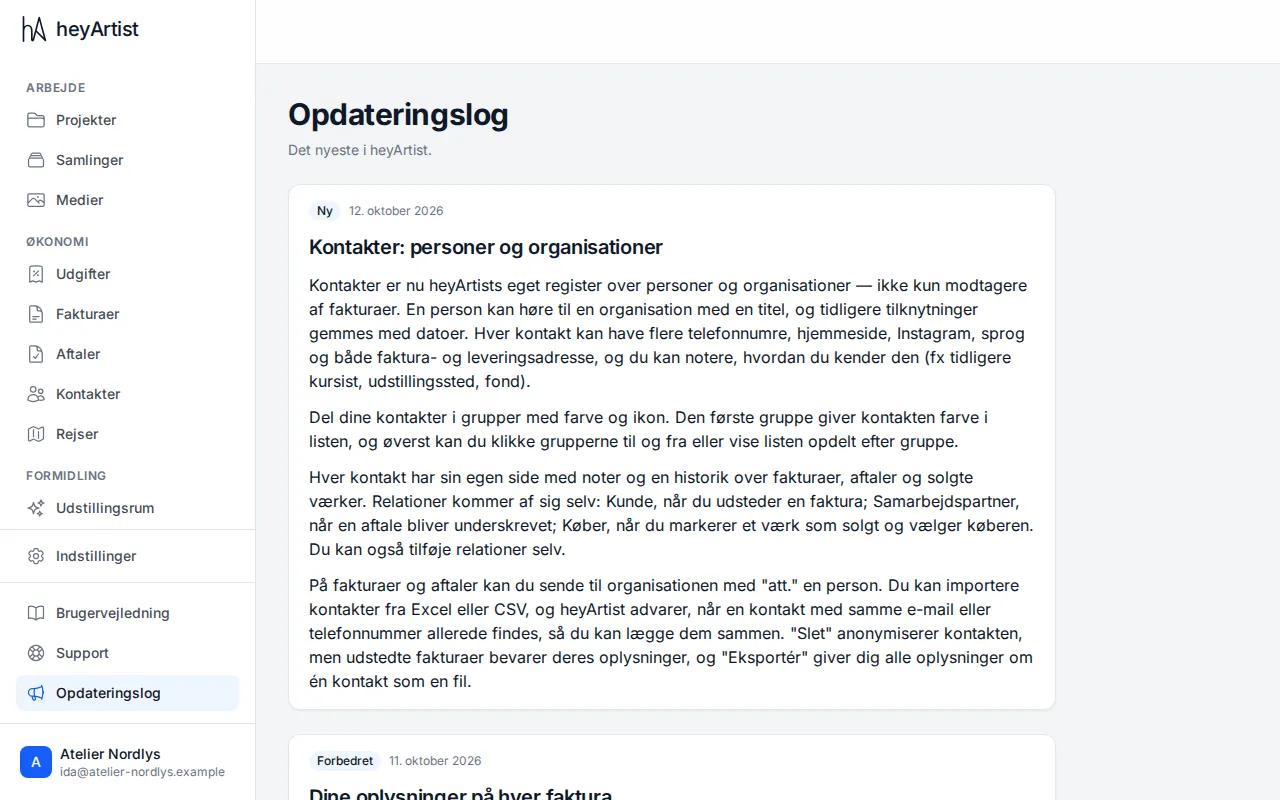
The newest is at the top. Each update is labelled with what it is:
- New — a new feature.
- Improved — something that works better than before.
- Fixed — a bug that has been fixed.
If you miss something, or something does not work as it should, write to us. See Write to support.