

The invitation and your login
You cannot sign yourself up for heyArtist. When heyArtist has created an account for you, you receive an email with an invitation. You create your login from that email.
The email
Section titled “The email”The email is called Welcome to your new heyArtist account. Click the Activate my account button.
The link in the email works for 7 days and only once. If it has expired, ask for a new invitation.
Create your login
Section titled “Create your login”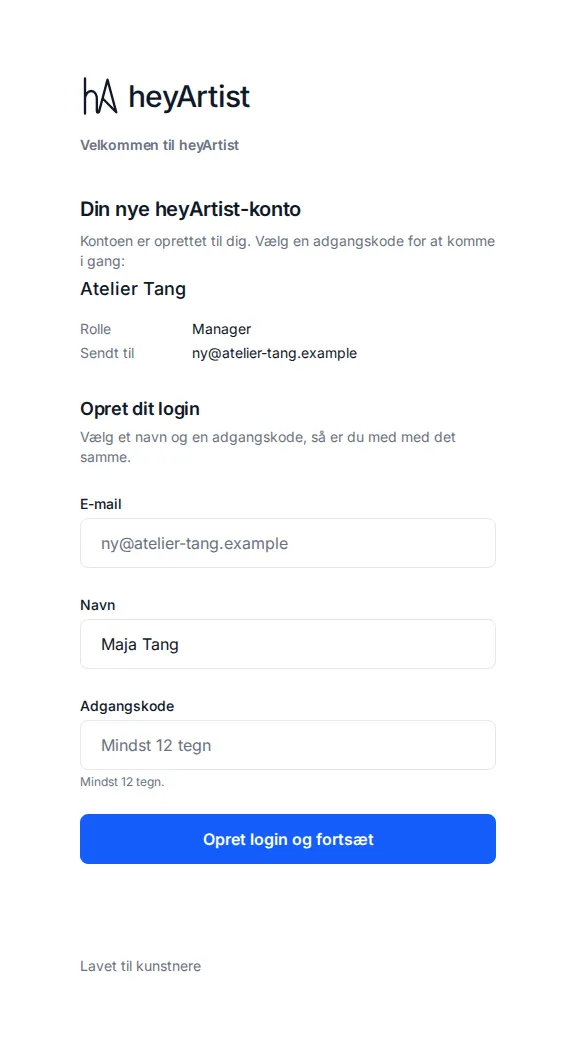
The link opens a page with the account’s name, your role (for the first person on the account it is Manager) and the email the invitation was sent to.
- Your email is already filled in. It cannot be changed here — your login is always the address the invitation was sent to.
- Enter your name.
- Choose a password of at least 12 characters.
- Click Create login and continue.
You are now signed in and land on the account’s front page. Your email is confirmed because you came from the link in the email — no further email is sent.
Next come setup in 7 steps and the data processing agreement.
Already have a login?
Section titled “Already have a login?”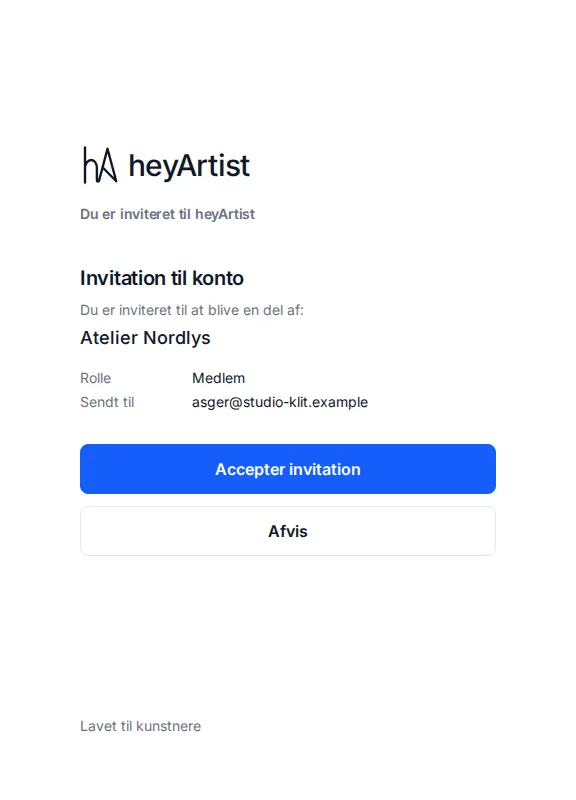
If you already use heyArtist with the same email — in another account, say — the page asks you to sign in instead. Afterwards you come back to the invitation and can choose:
- Accept invitation — the account joins your list, and you can switch to it from the menu under your name.
- Decline — you do not join the account.
If you are signed in with a different email from the one the invitation was sent to, you cannot accept it. Click Sign out and sign in with the right one.
If the link does not work
Section titled “If the link does not work”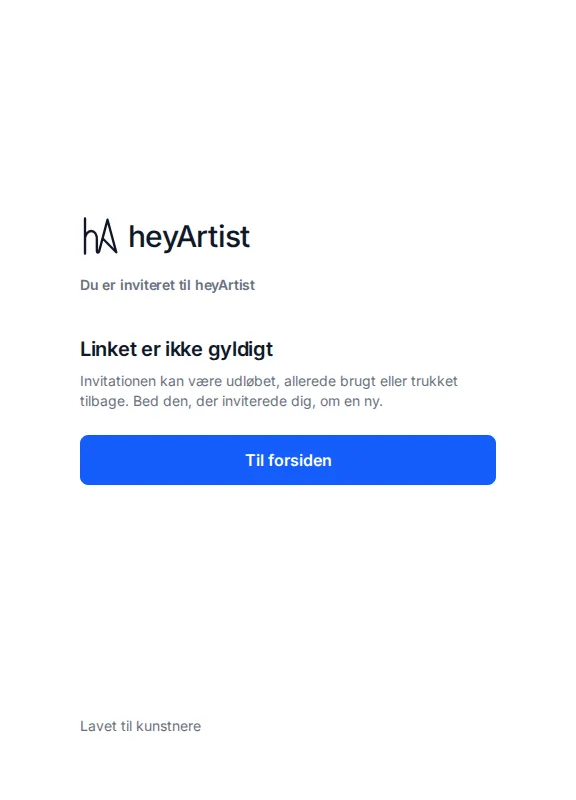
If it says This link is not valid, the invitation may have expired, already been used or been withdrawn. Ask the person who invited you for a new one.
More people on the account
Section titled “More people on the account”What you can do today is invite a guest to a single project — a curator or a collaborator, for example. A guest sees only that project and only what you give access to. See Share a project with a guest.
An invitation to a project
Section titled “An invitation to a project”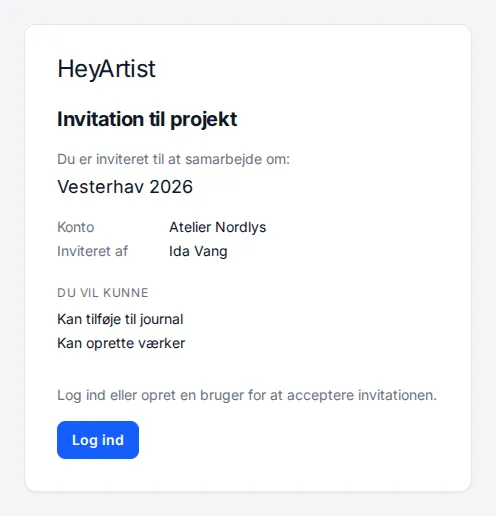
If you yourself have been invited as a guest on a project, the invitation looks like this. It shows the project, who invited you and what you will be able to do. Sign in with the email the invitation was sent to and click Accept invitation — the project is then listed under Shared with me. See Shared with me.
The page mentions that you can “create a user”, but a project invitation does not currently let you create a login. If you do not have a heyArtist login, tell the person who invited you.