

Agreements and digital signing
Under “Contracts” you fill in artist agreements based on standard agreements from BKF and others – such as exhibition, sales and commission agreements – in Danish, English or German. You get a PDF, and you can send the agreement for digital signing.
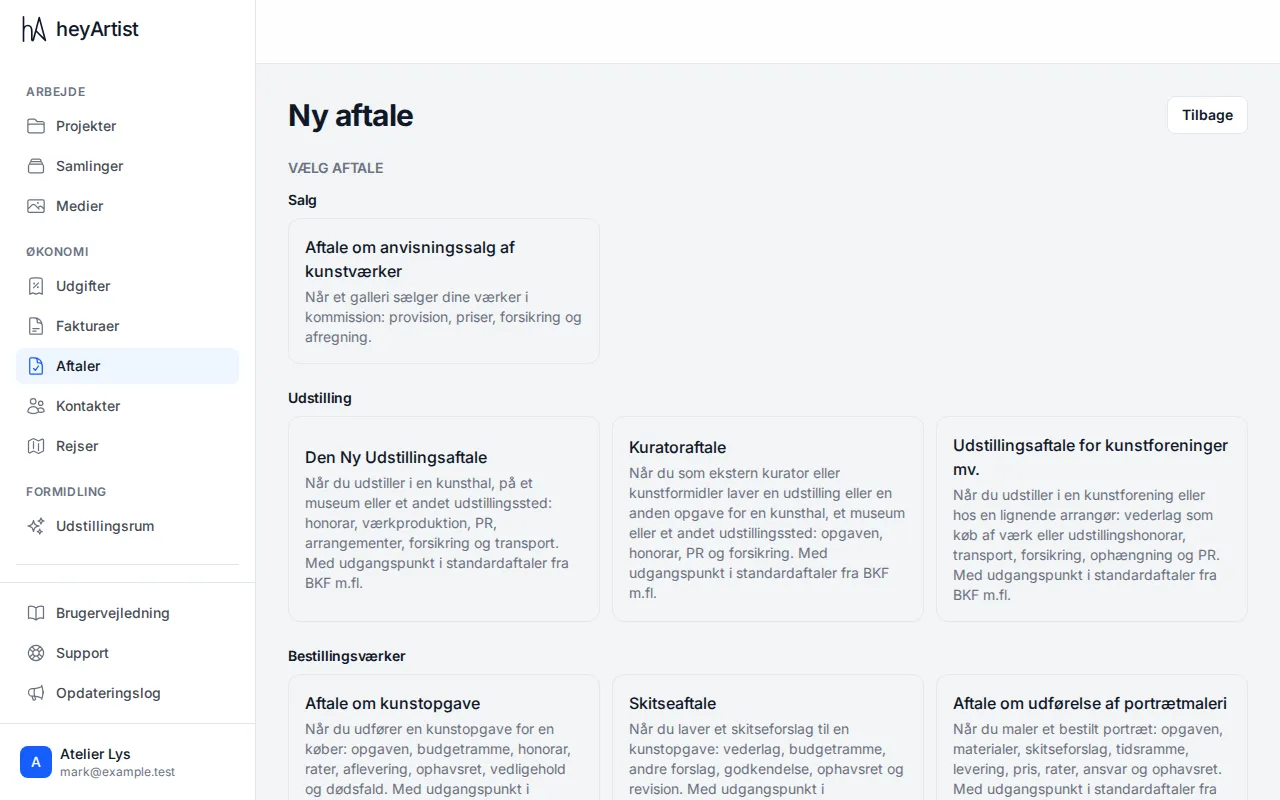
Click “New contract” and choose the agreement that fits. The agreements are grouped by subject, and each has a short description of when to use it. Choose the language and click “Create contract”.
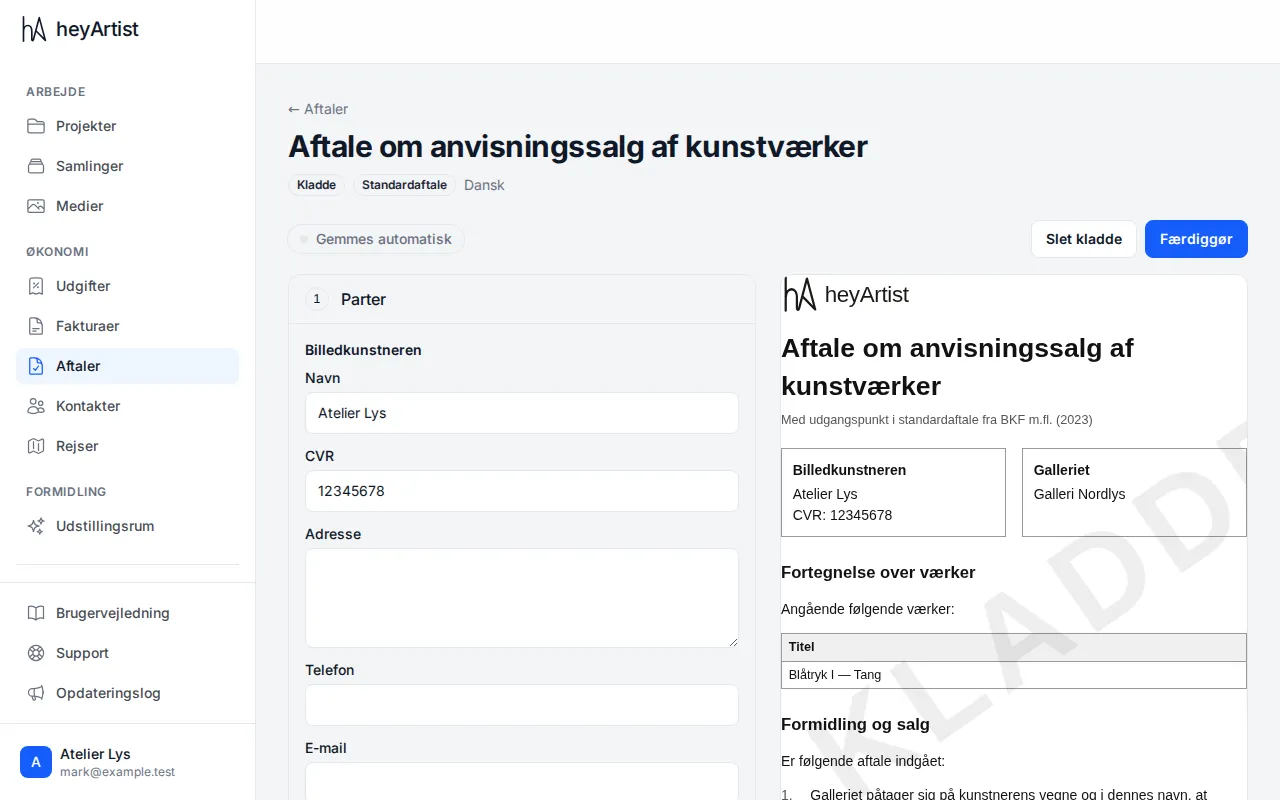
Fill in the agreement section by section: the parties, the works, the fee or commission and the period. On the right you see the agreement as it will be printed. Everything is saved automatically.
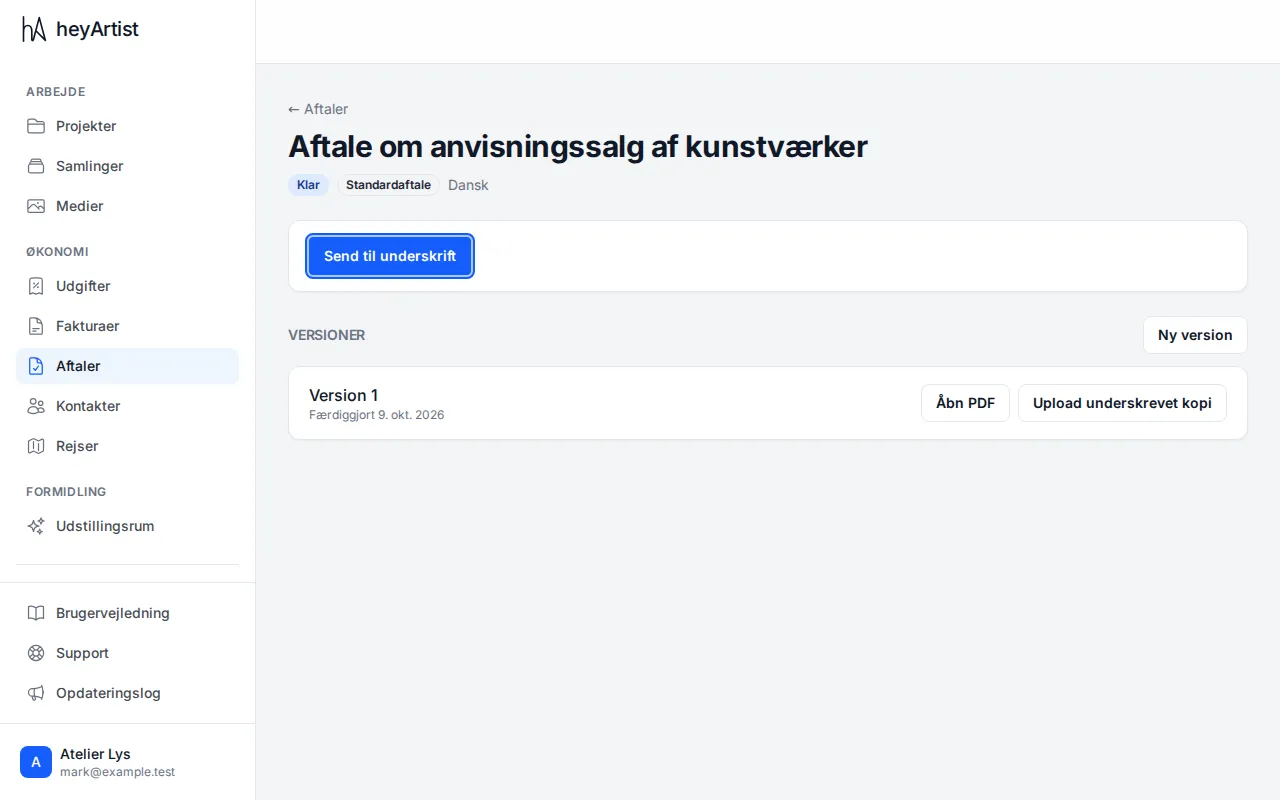
Once the agreement is finalised, the version is locked and a PDF is made. Click “Open PDF” to see or print it. If you have signed on paper, you can keep the signed copy with “Upload signed copy”.
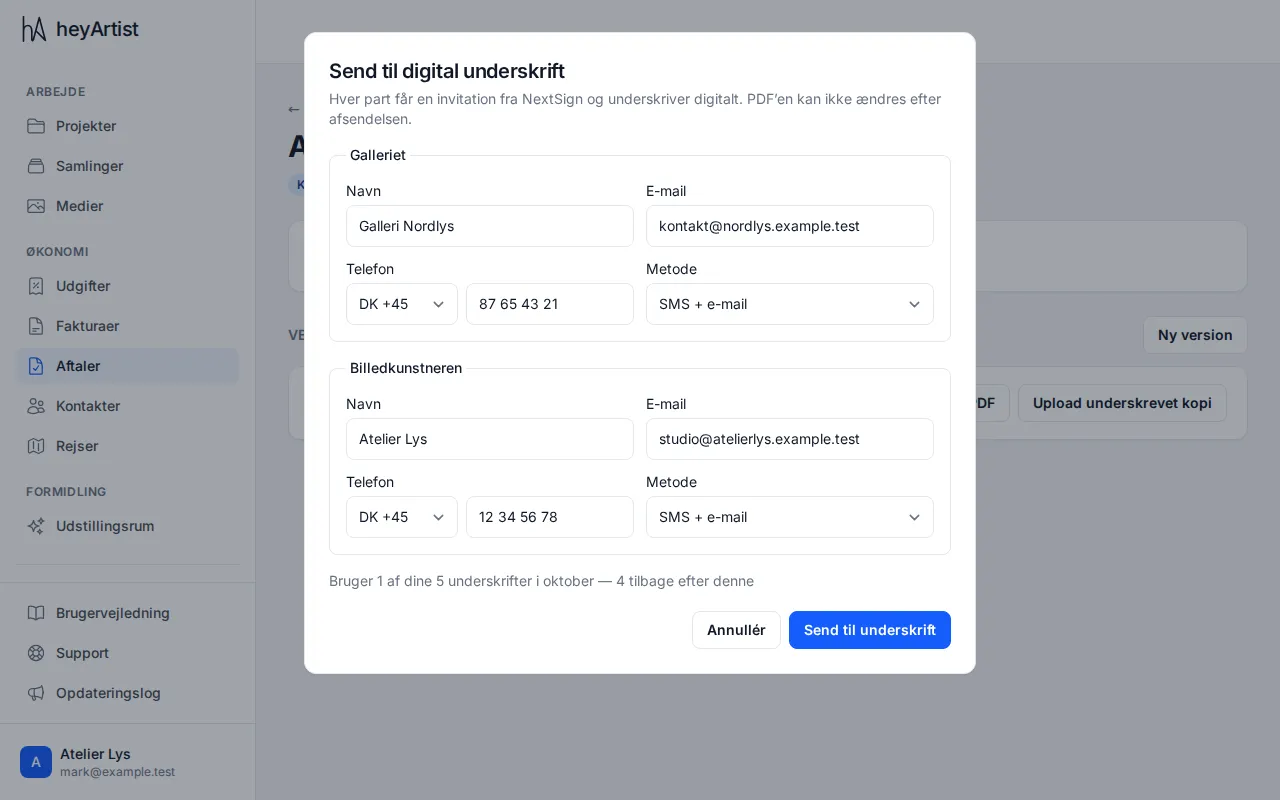
To sign digitally, click “Send for signature”. Enter the name, email and phone number for each party. With the method “SMS + email” each party hears from NextSign by both SMS and email and signs digitally.
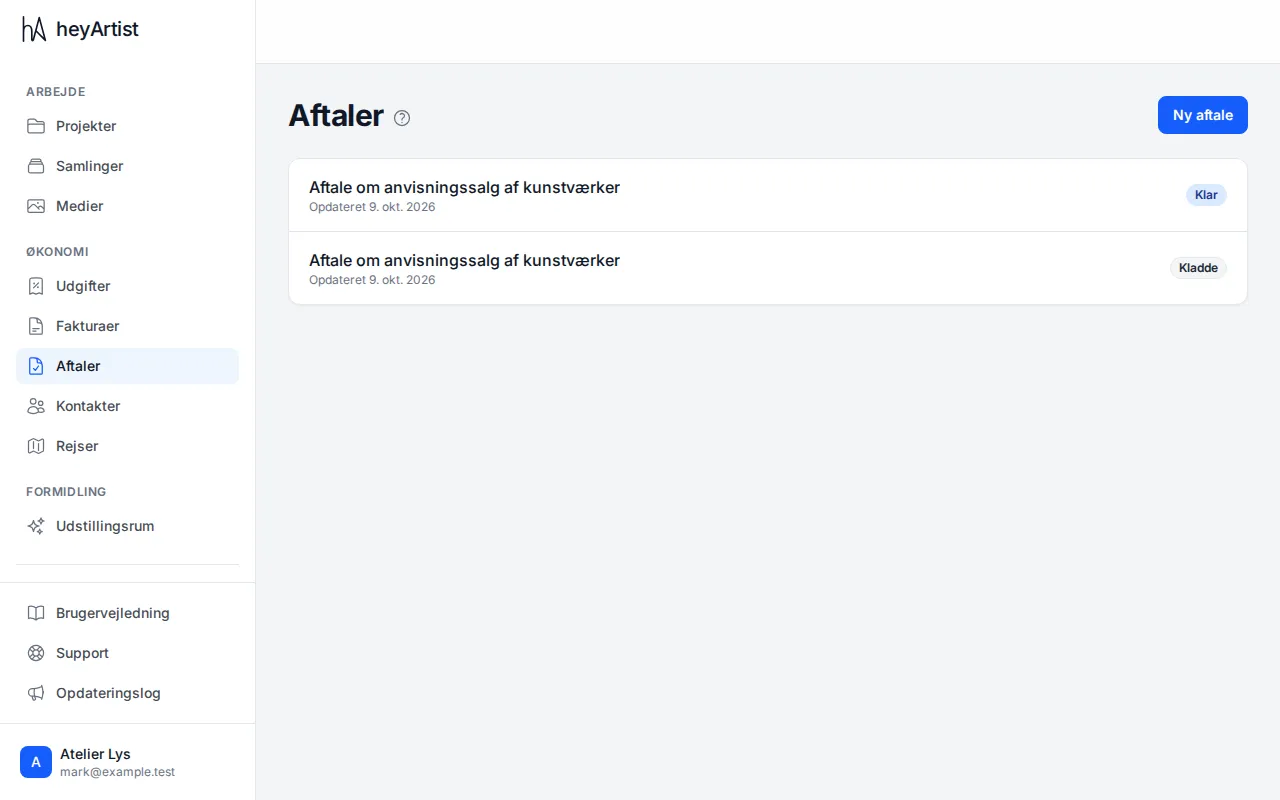
On the agreement you can follow who has signed. When everyone has signed, the signed PDF comes back to the agreement automatically. The list under “Contracts” shows the status of all your agreements.