

Invoices
Under “Invoices” you make invoices, issue them with consecutive numbers and send them as PDF by email – straight from heyArtist.
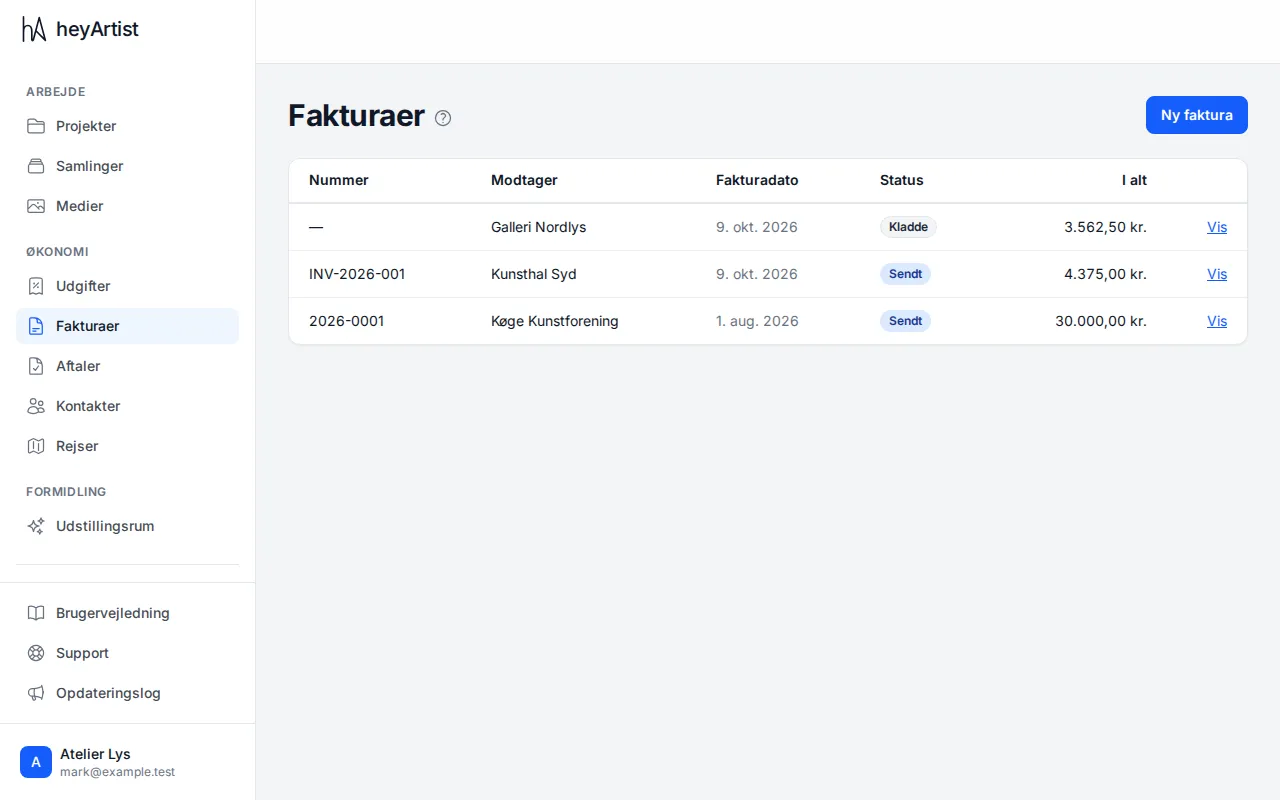
The list shows all your invoices with number, recipient, date, status and amount. An invoice that has not been issued yet shows as “Draft” and has no number.
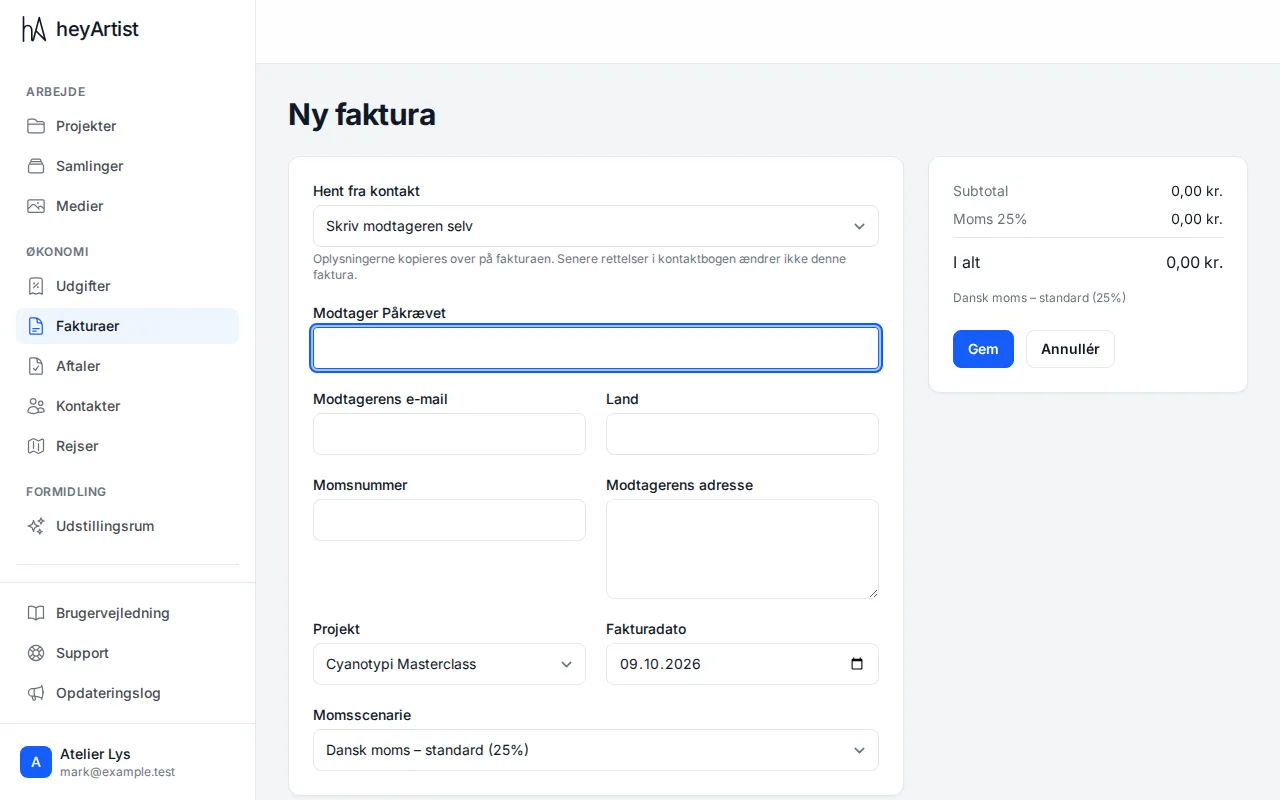
Click “New invoice”. Fill in the recipient from your contacts, or type the name, email and address yourself. Choose the project, invoice date and tax scenario, add the lines, and click “Save”.
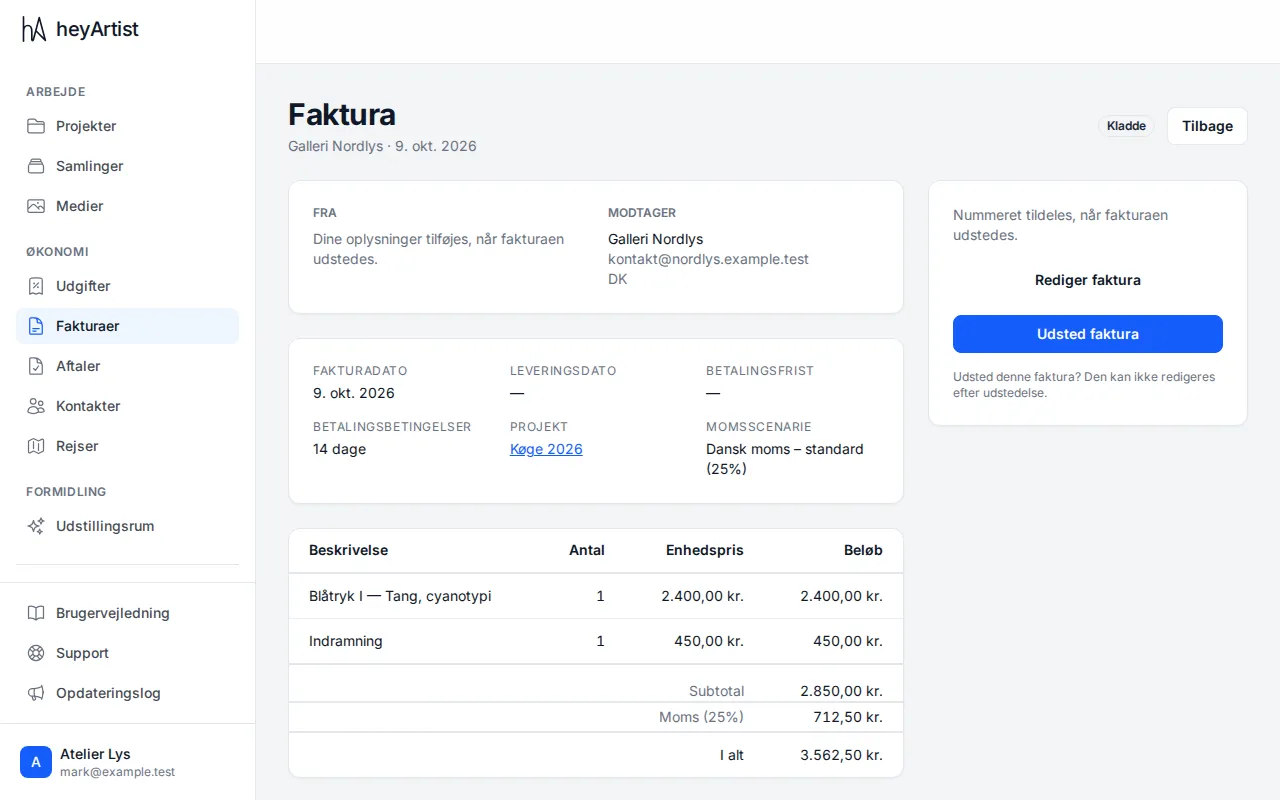
The invoice is now a draft that you can change with “Edit invoice”. When it is ready, click “Issue invoice”. It gets its number and can no longer be changed.
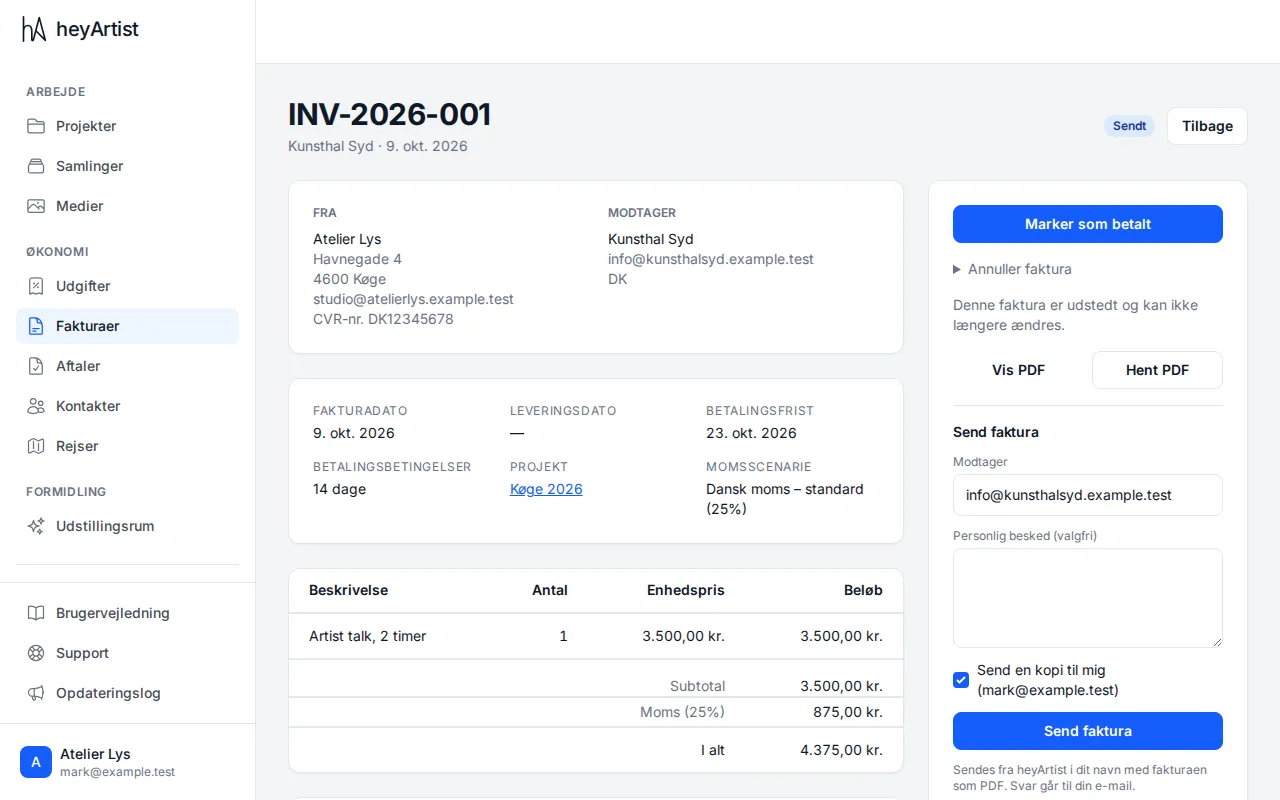
You can view and download an issued invoice as a PDF. Under “Send invoice” you email it with the PDF attached, with a personal message if you like. Replies go to your own email.
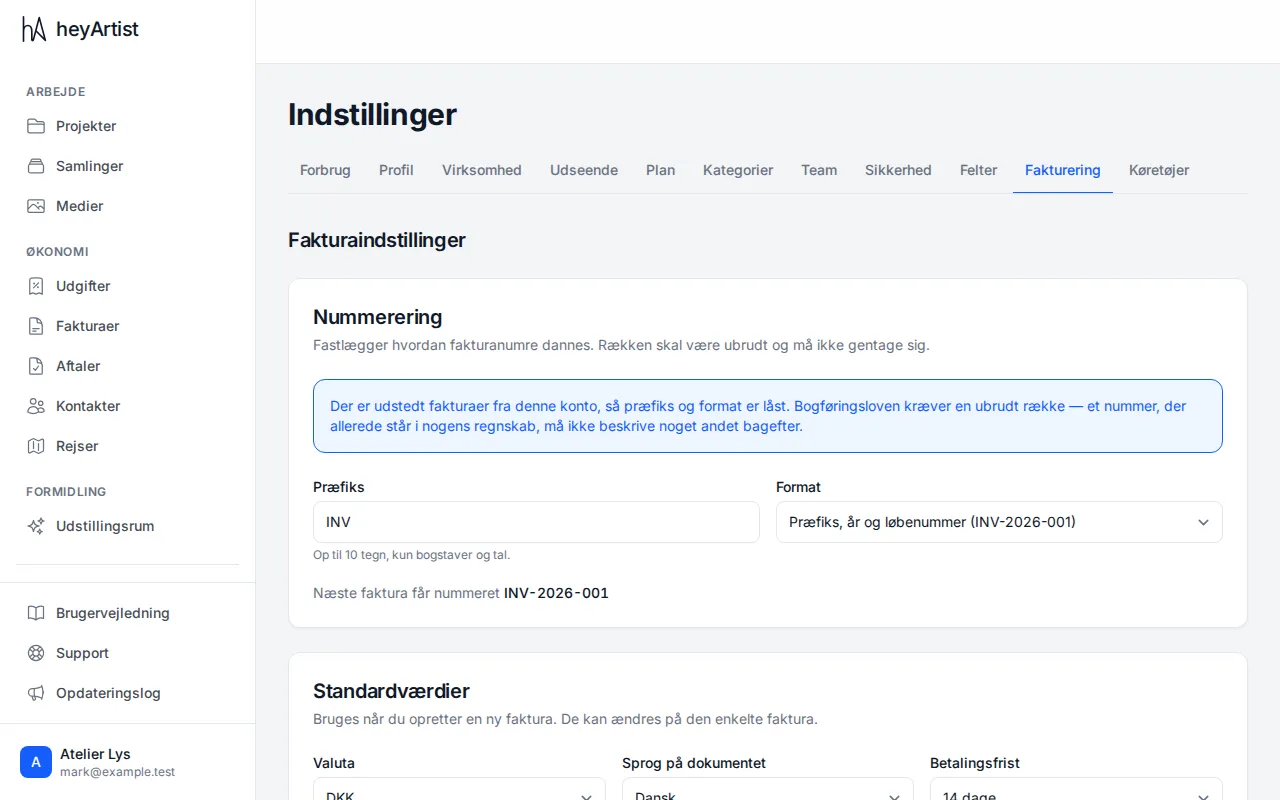
Under “Settings” → “Invoicing” you choose what the invoice numbers look like and what goes on the invoice, such as the payment terms and payment details. Once the first invoice has been issued, the numbering is locked, because the Danish Bookkeeping Act requires an unbroken sequence.