

heyArtist on your phone
heyArtist is a website that also works on your phone. There is no app to install — open heyArtist in your phone’s browser and sign in as on a computer.
The menu at the bottom
Section titled “The menu at the bottom”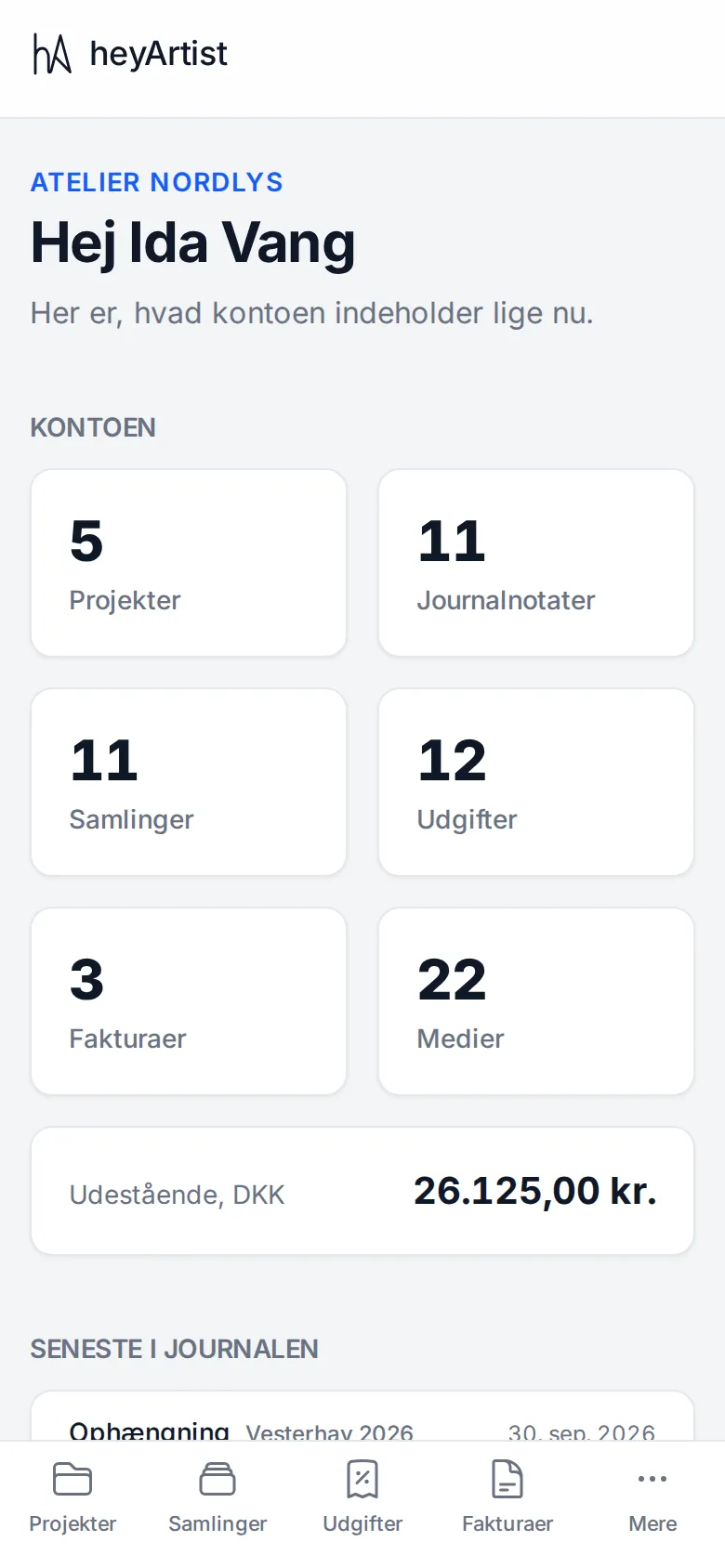
On a phone (and a small tablet) the menu moves to the bottom of the screen. It holds the four things most people use most:
- Projects
- Collections
- Expenses
- Invoices
- More — the rest of the menu.
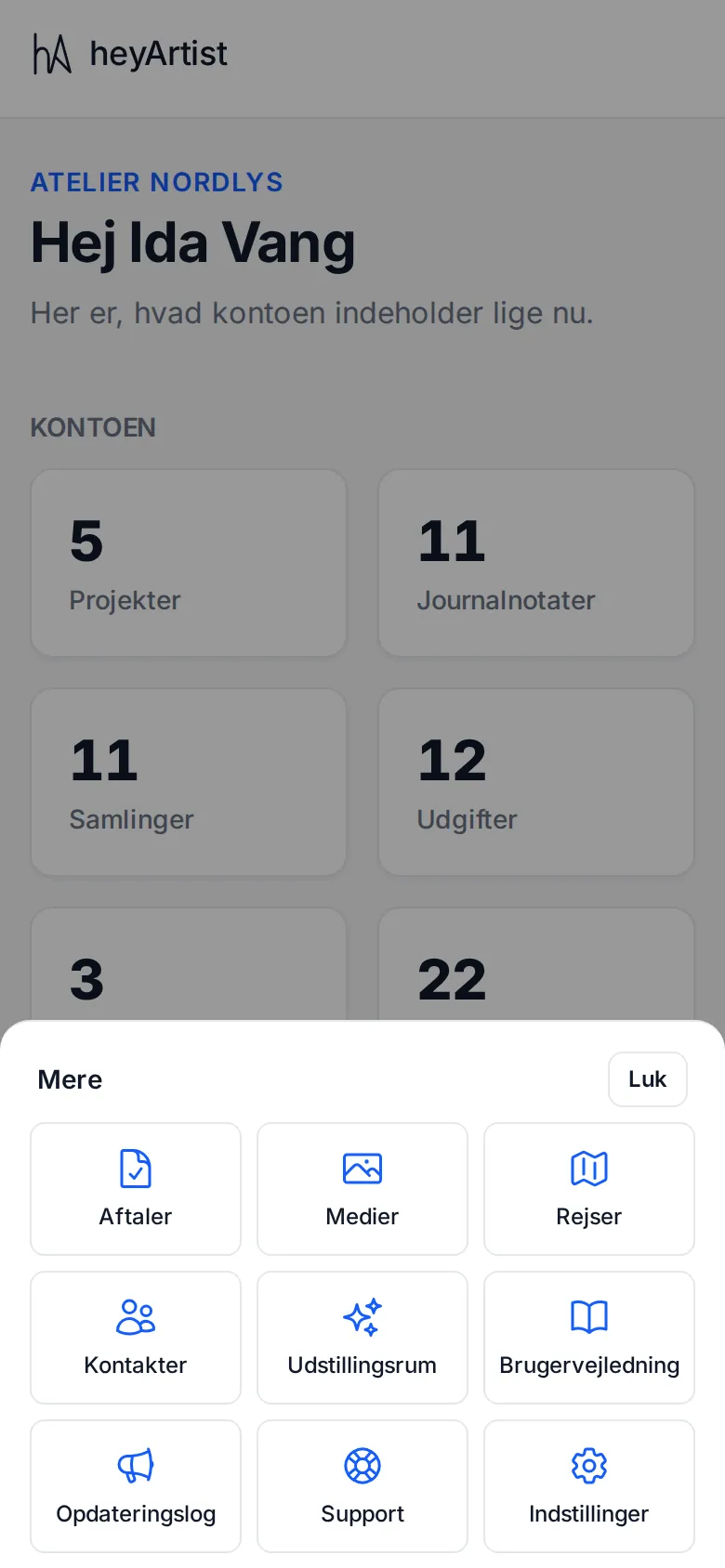
Tap More to see Contracts, Media, Travel, Contacts, Showrooms (on Standard and Deluxe), User guide, What’s new, Support and Settings. Tap Close, or outside the menu, to close it again.
If you are a guest on a project without an account of your own, the bottom menu shows Shared with me, User guide, Support and What’s new.
Receipts straight from the camera
Section titled “Receipts straight from the camera”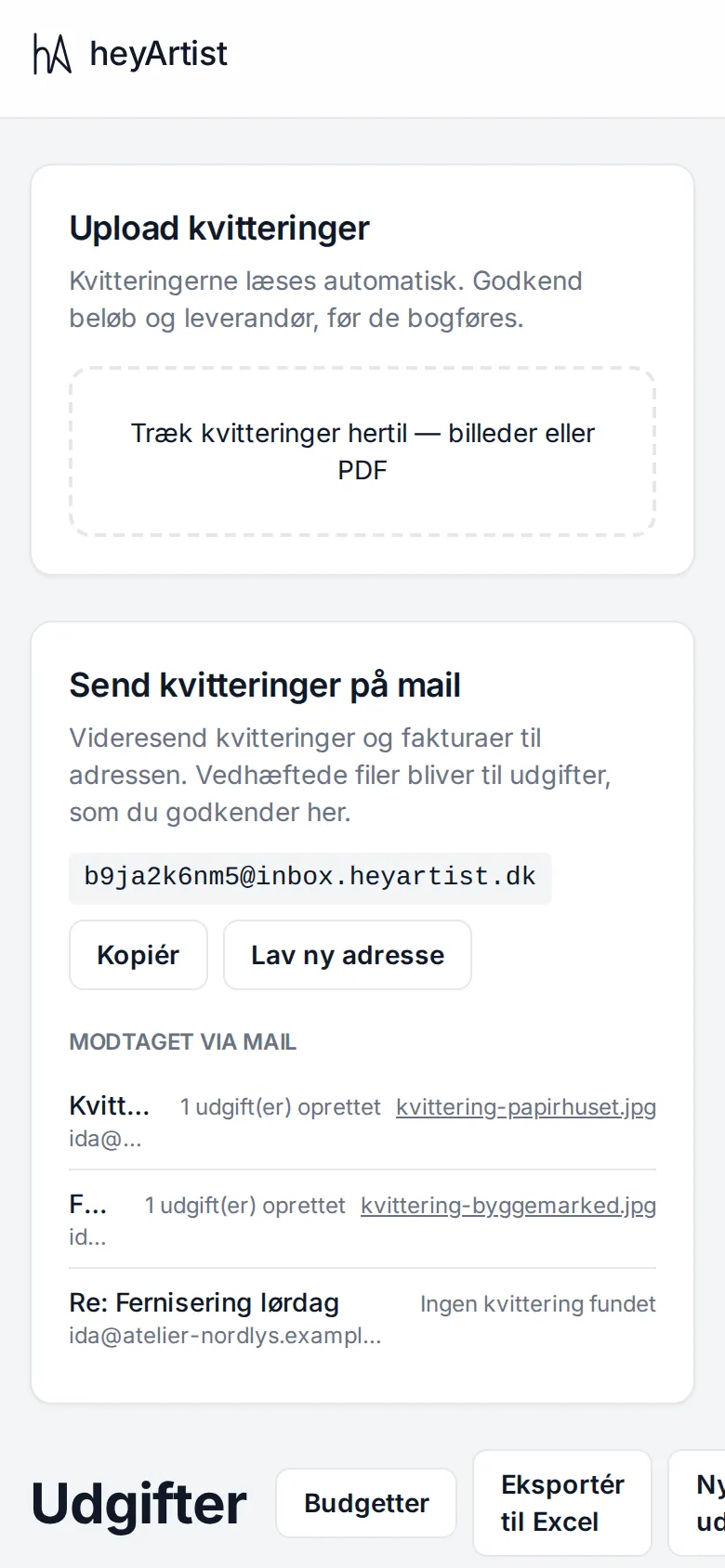
The easiest moment to photograph a receipt is while you are holding it:
- Tap Expenses in the bottom menu.
- Tap the area for receipts. The phone asks whether you want to take a photo, choose from your photos or choose a file.
- Choose Take photo (or Camera) and photograph the receipt.
- Tap Save as expenses. Only then is the receipt saved — if you leave the page before, the picture is gone.
heyArtist reads the amount, date and vendor, and the expense waits for you to look it over. See Uploading receipts.
You can also email receipts from your phone to the account’s receipt address. See Receipts by email.
Pictures for the journal
Section titled “Pictures for the journal”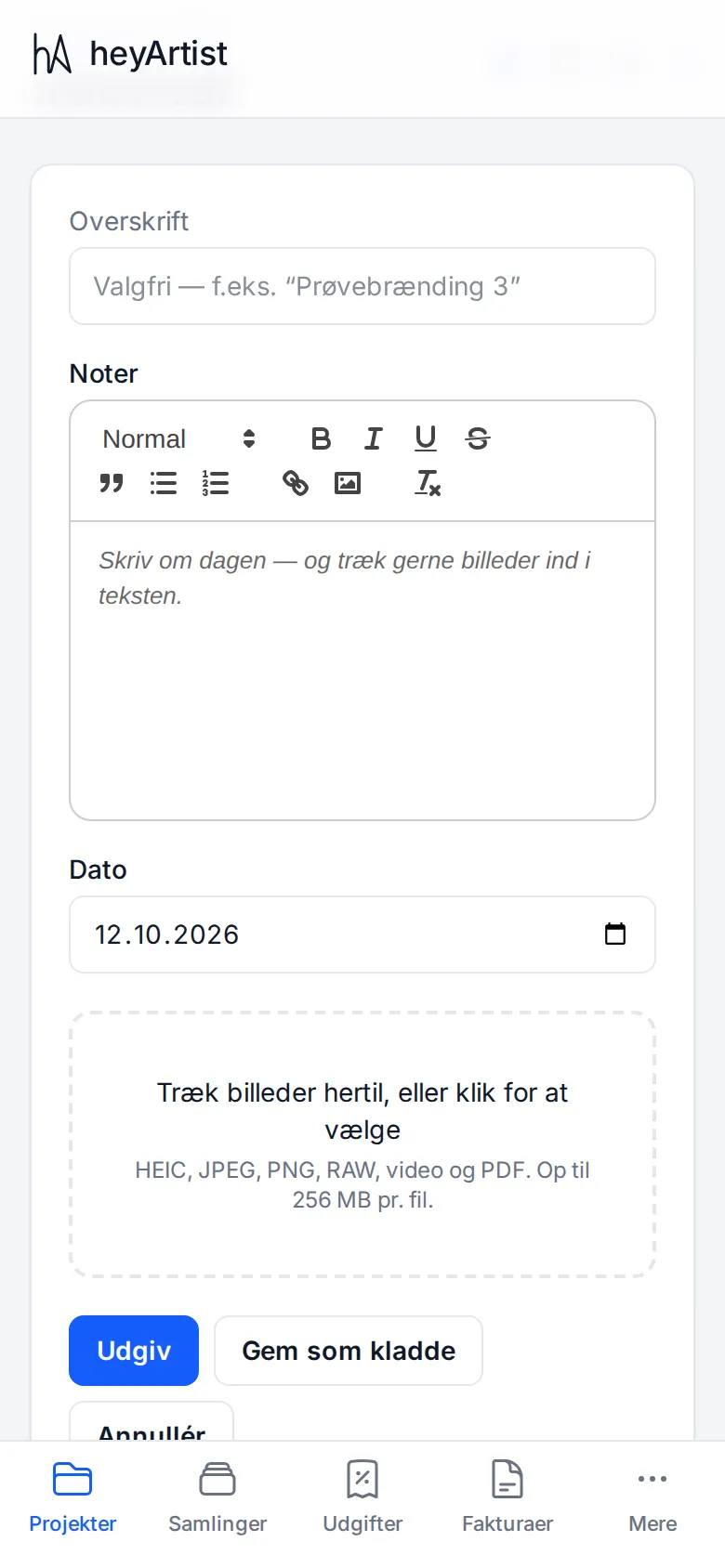
When you are out working, you can write in the project’s journal straight away:
- Open the project under Projects and go to Journal.
- Tap New entry.
- Write a heading (optional) and your notes.
- Tap the area for pictures. Take a photo with the camera, or choose several from your photos.
- Tap Publish, or Save as draft if you want to finish writing later.
Pictures from an iPhone (HEIC) work, as do JPEG, PNG, RAW, video and PDF — up to 256 MB per file. If a picture has a GPS position, it is saved with it. See The journal.