

The data processing agreement
When you use heyArtist, you store information about other people: buyers, gallerists, course participants and other contacts. Under the data protection rules (GDPR) you are the controller of that information, and heyArtist is the processor. The data processing agreement describes how heyArtist handles the information on your behalf.
The agreement must be accepted once per account before the account can be used.
In short
Section titled “In short”- You are the controller of the information about your customers and contacts. heyArtist processes it only to provide heyArtist to you.
- Everything is processed and stored in the EU by European companies: Hetzner (Germany), Scaleway (France) for mail and image processing, and Mistral AI (France) for reading receipts.
- You can always download all your data. If you close the account, you get a link to all of it, and your data is deleted 30 days later.
- heyArtist gives notice before taking on a new sub-processor.
Accept the agreement
Section titled “Accept the agreement”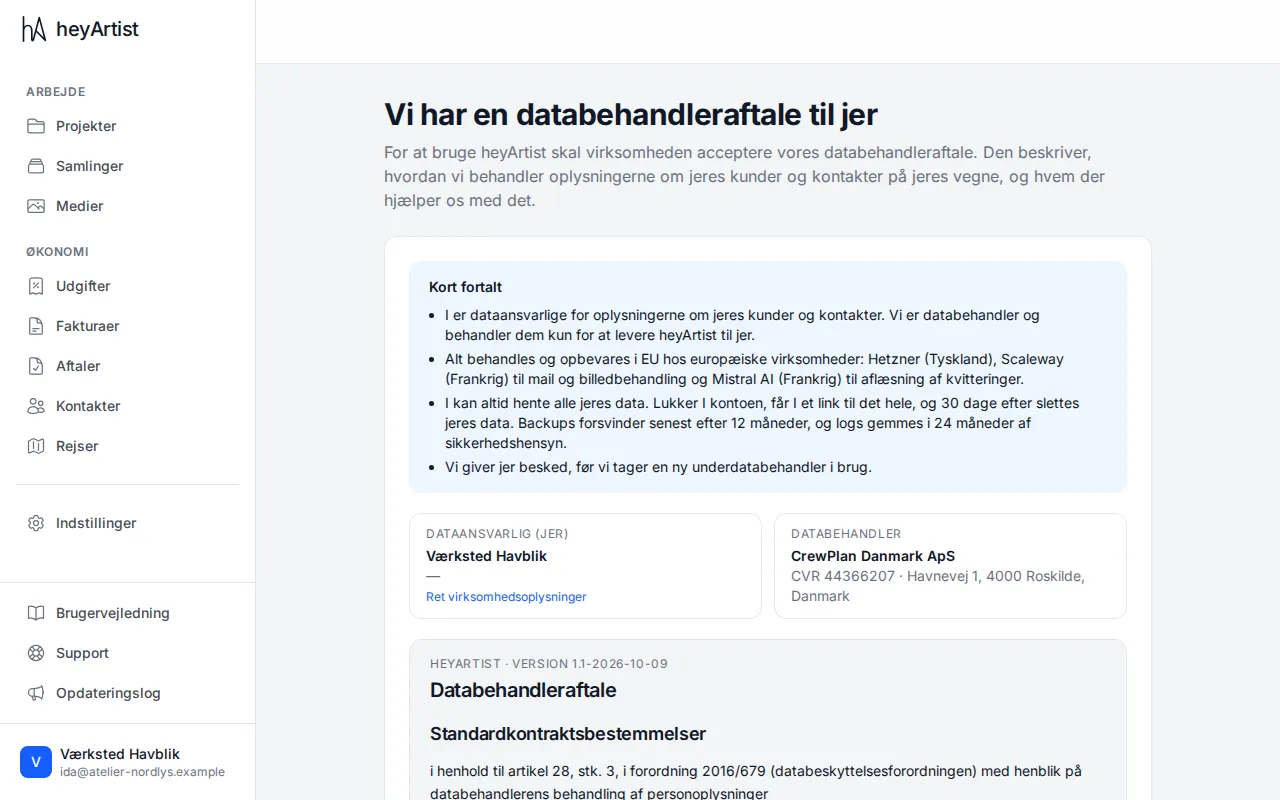
Until the agreement is accepted, heyArtist shows this page instead of the account’s content. You see a summary, the account’s details as controller, heyArtist’s details as processor and the full text of the agreement.
- Check that the account’s name and details are right. If they are not, click Edit company details.
- Read the agreement. To read it on a page of its own or print it, click Read the agreement on its own page.
- Tick I have read the data processing agreement and accept it …
- Click Accept the data processing agreement.
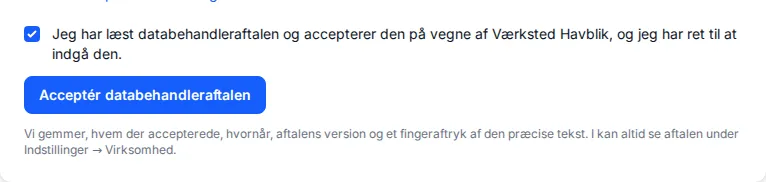
heyArtist records who accepted, when, the version of the agreement and a fingerprint of the exact text. The account then opens as normal.
You can also accept the agreement in step 2 of setup.
If you are a member
Section titled “If you are a member”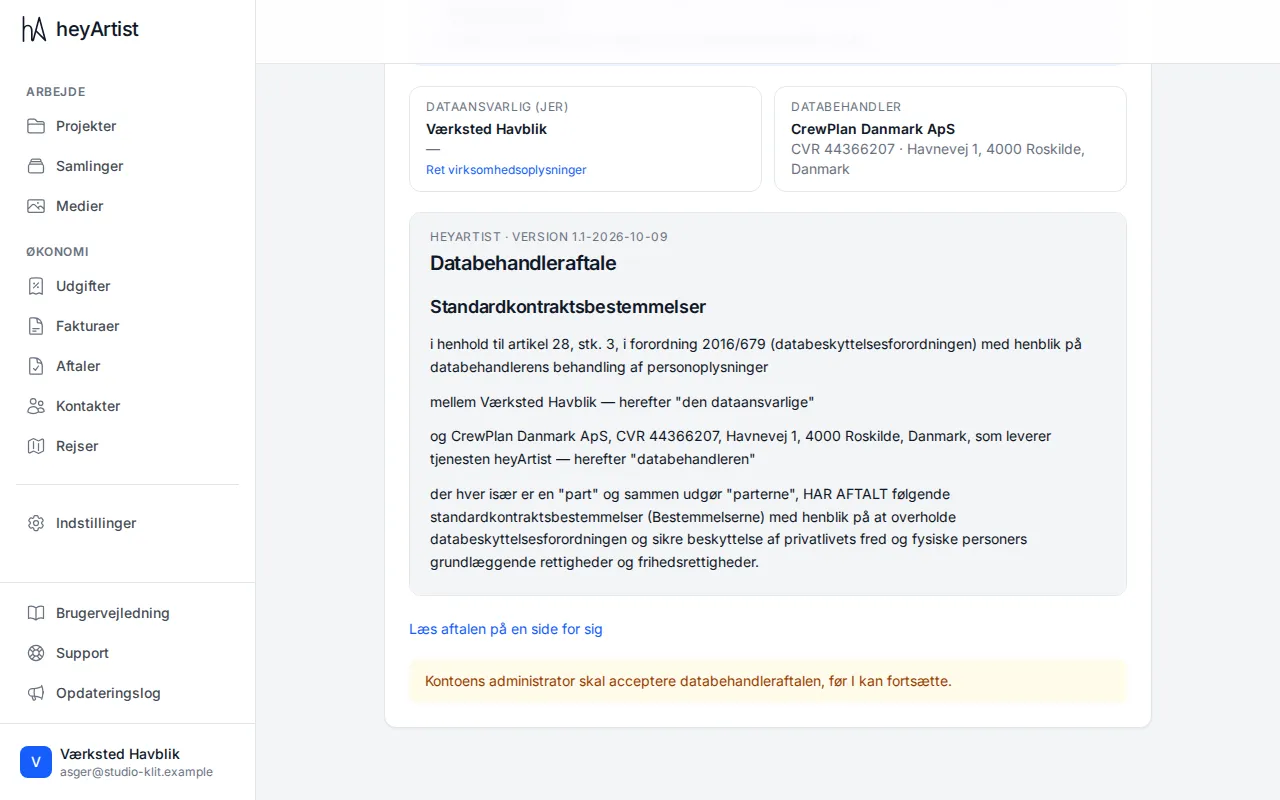
If you are a member of the account, you can read the agreement but not accept it. At the bottom it says The account’s administrator must accept the data processing agreement before you can continue. Let the account’s manager know.
A new version of the agreement
Section titled “A new version of the agreement”When heyArtist makes a new version of the agreement, the page is shown again to everyone on the account, with the message There is a new version of the data processing agreement. A manager must accept the new version before you can continue. The earlier acceptance stays in the history.
See the agreement and its history
Section titled “See the agreement and its history”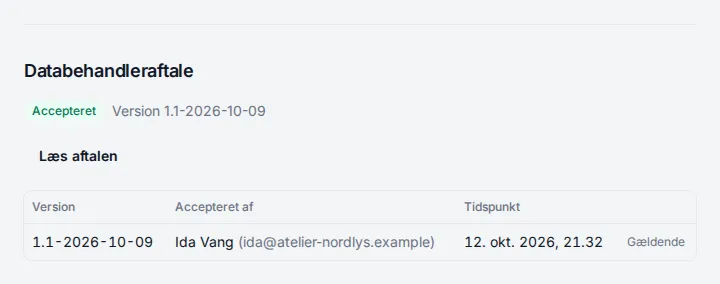
Under Settings → Business the agreement’s status is shown at the bottom. Here you can:
- Click Read the agreement and print it or save it as a PDF.
- See a table of each version, who accepted it and when. The version in force is marked In force.
How to download all of the account’s data is described in Export all your data.