

Appearance
Under Settings → Appearance you decide how heyArtist looks for you.
The screenshots show heyArtist in Danish; the labels are named in English here as they appear when you switch the app to English.
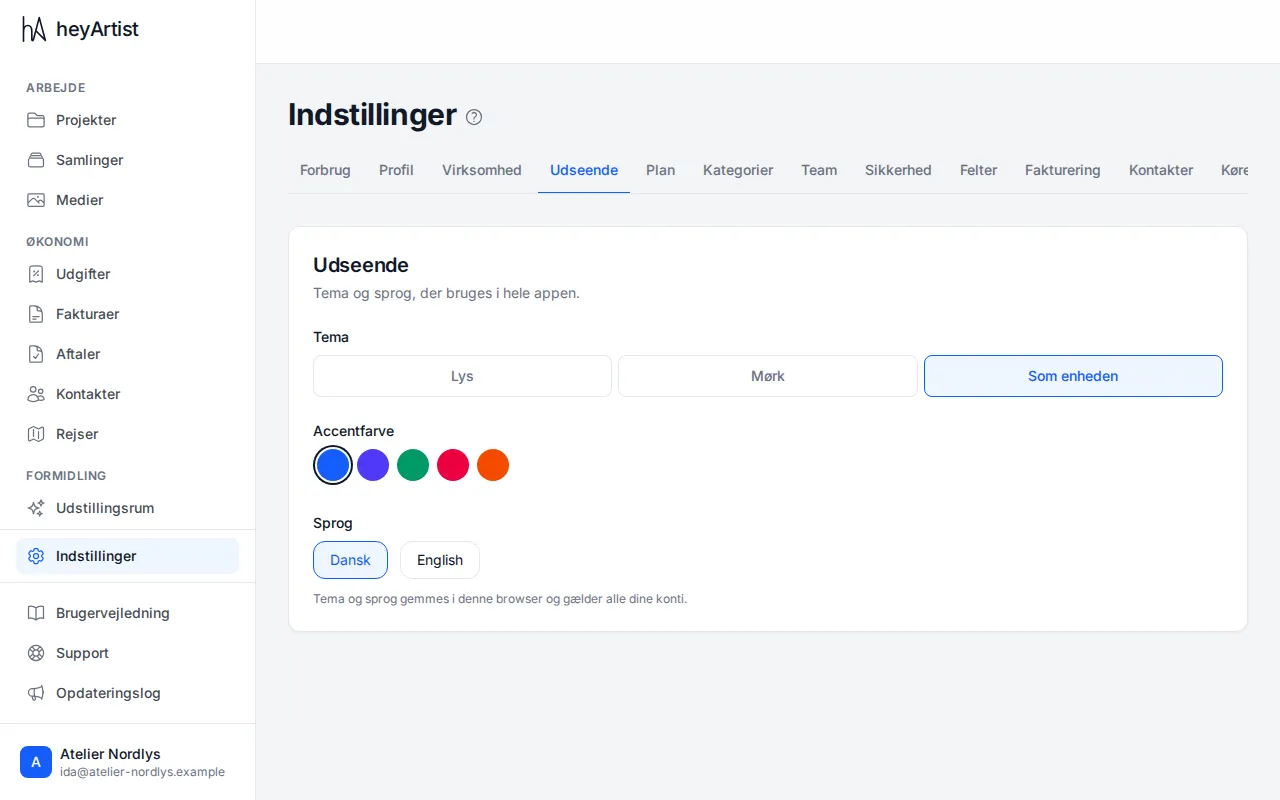
- Theme — Light, Dark or Match device, which follows your computer’s or phone’s setting.
- Accent colour — the colour of buttons, links and the chosen menu item: blue, indigo, emerald, rose or orange.
- Language — Dansk or English.
The change happens straight away. There is no button to save.
Theme, colour and language are stored in the browser you use and apply to all your accounts in it. If you use heyArtist on another computer or phone, you choose them there as well.
You can also change theme, colour and language from the account menu at the bottom of the menu.