

Usage
Under Settings → Usage you see how much of the plan’s storage the account uses.
The screenshots show heyArtist in Danish; the labels are named in English here as they appear when you switch the app to English.
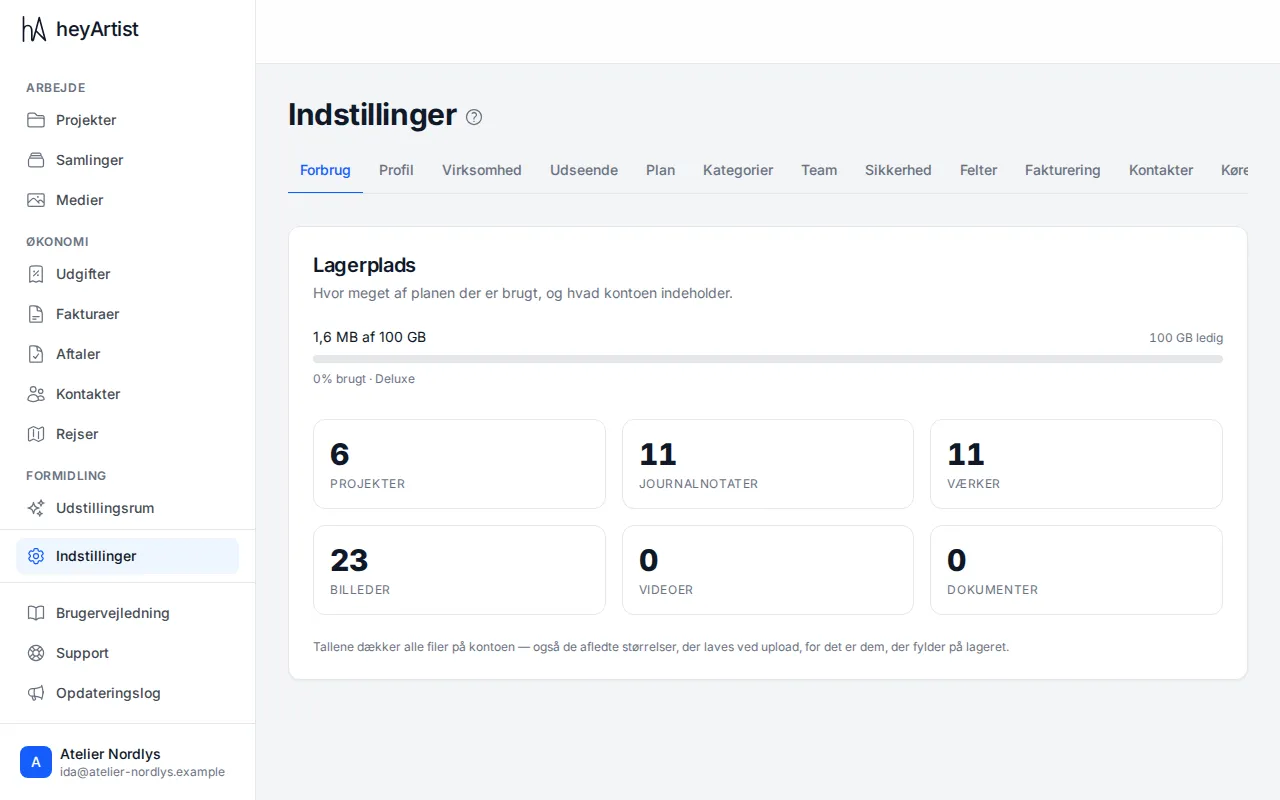
- Storage — how much of the plan’s space is used, such as 1.6 MB of 100 GB, and how much is free. As the account nears the limit, it says Getting full, and finally Almost full.
- Counts — projects, journal entries, works, pictures, videos and documents.
The figures cover every file in the account — including the smaller versions of pictures that heyArtist makes on upload, because they take up space too.
The plans give 1 GB (Starter), 10 GB (Standard) and 100 GB (Deluxe). If you need more space, you can change plan. See Plan.
Digital signatures
Section titled “Digital signatures”How many of the month’s digital signatures the account has used is shown under Settings → Business, such as Digital signatures in October: 1 of 5 used. See Digital signing.