

Expenses and receipts
Under “Expenses” you keep track of your receipts. You can upload them, send them by email or type them in yourself, and you can download everything as an Excel sheet for your bookkeeping.
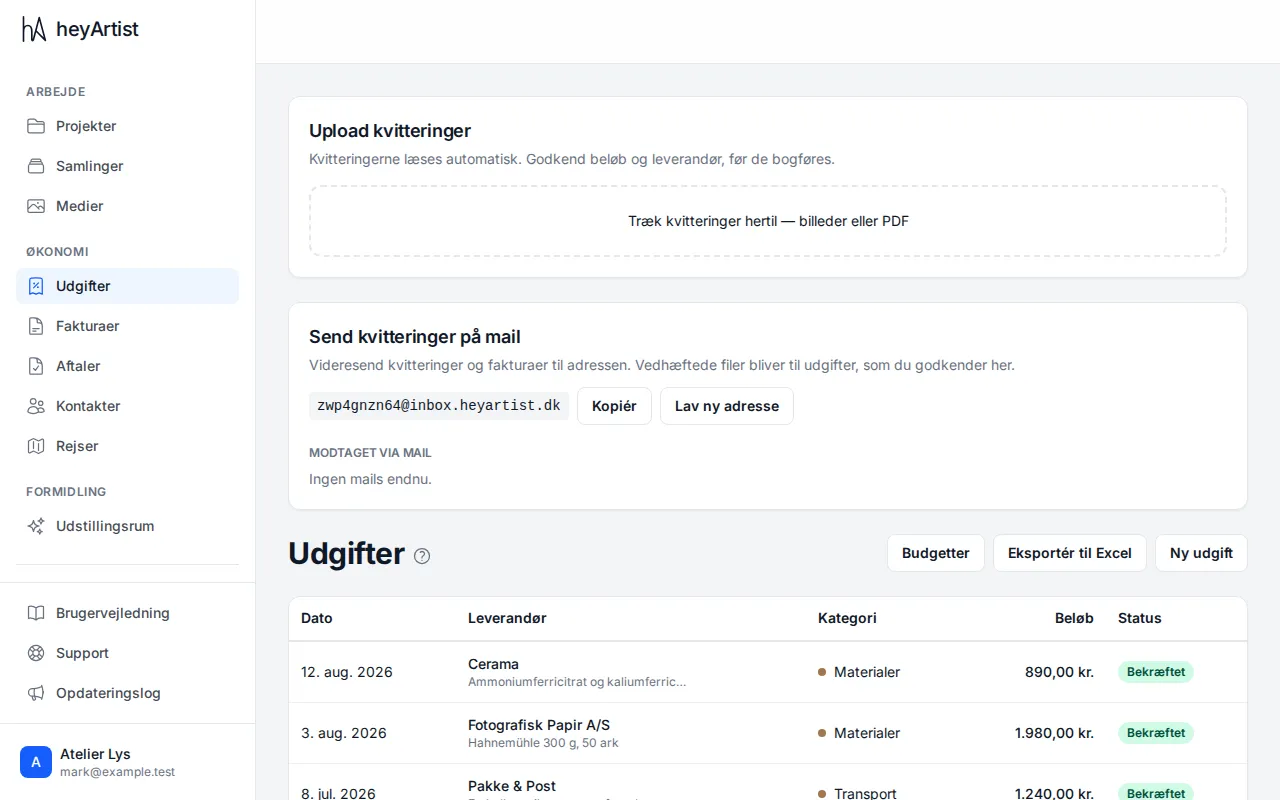
Drag receipts onto “Upload receipts” at the top of the page – pictures or PDF. heyArtist reads the amount, date and supplier automatically. A receipt that has been read shows as “Needs review” until you have checked the amount and supplier and approved it.
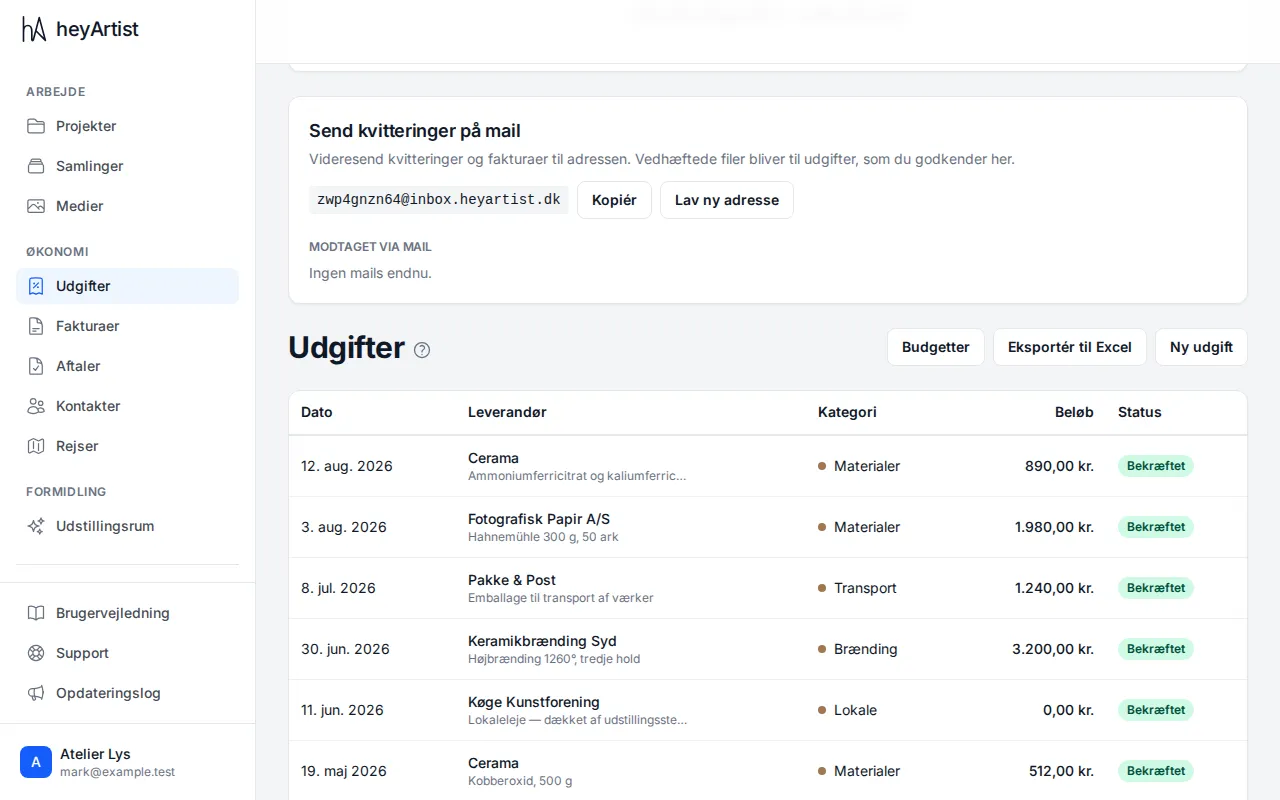
You can also send receipts by email. Under “Email your receipts” is the account’s own address. Click “Copy”, and forward receipts and invoices to it. Attachments become expenses for you to approve here, and “Received by email” shows what has come in.
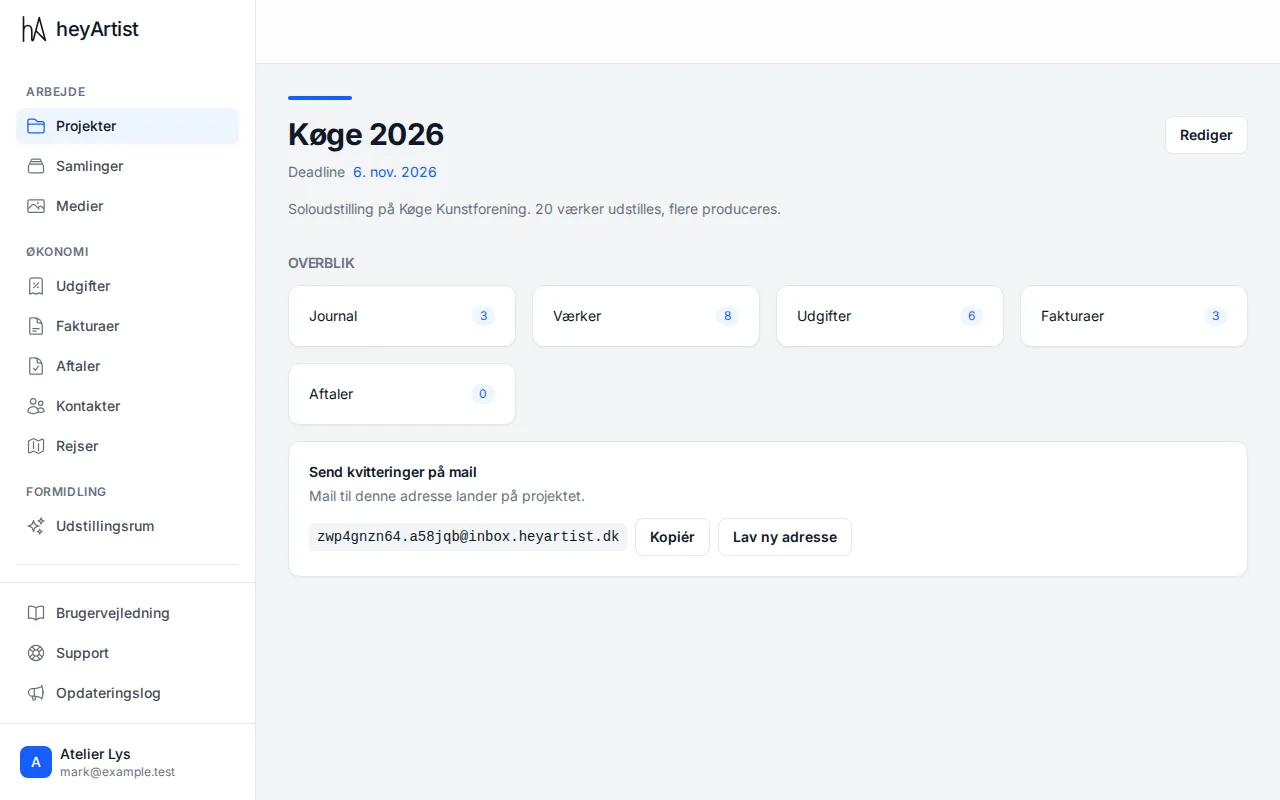
Every project has its own email address. It is on the project’s page. Receipts you send to it land directly on the project.
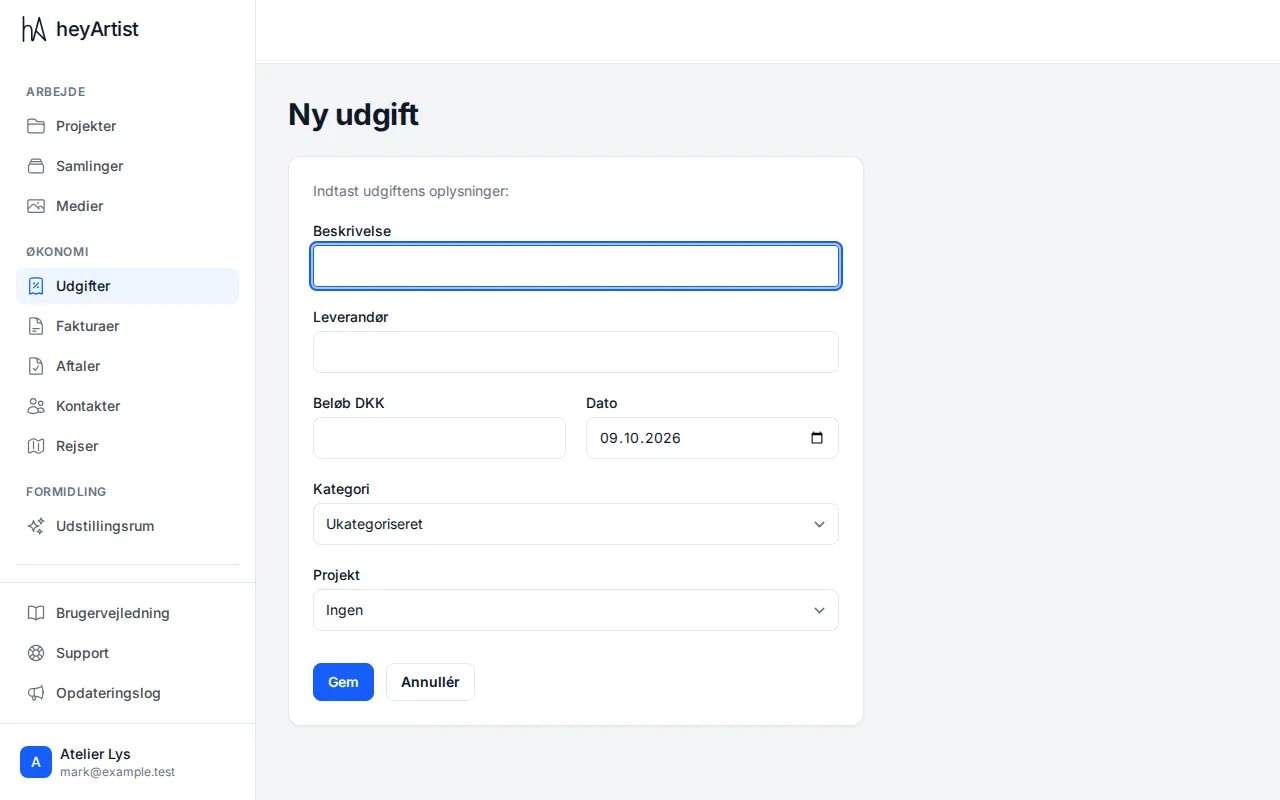
If you have no receipt to upload, click “New expense” and enter the description, supplier, amount and date. Choose a category and, if you like, a project, and click “Save”.
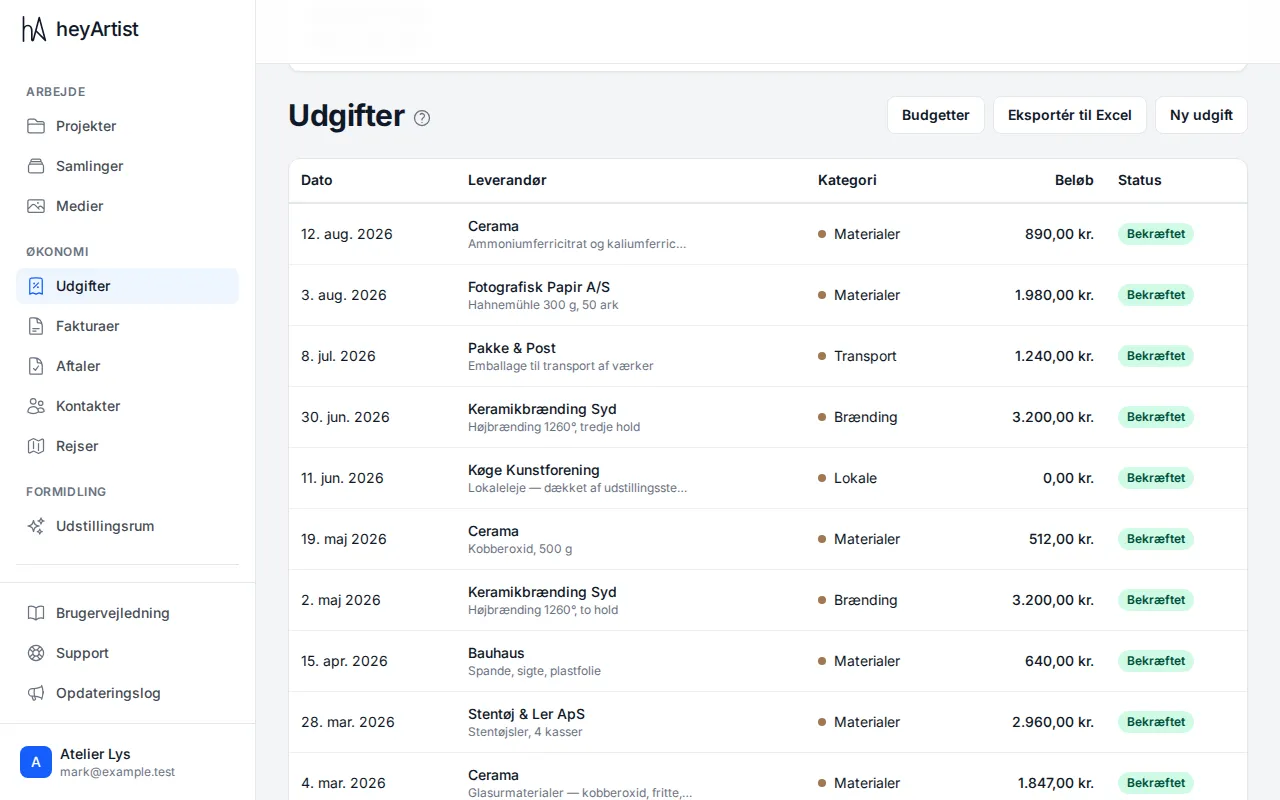
The list shows every expense with date, supplier, category, amount and status. “Export to Excel” downloads them as a spreadsheet, and under “Budgets” you can set a budget for each project.