

Contacts
Under “Contacts” you keep the people and organisations you work with — galleries, curators, buyers, foundations and former course participants.
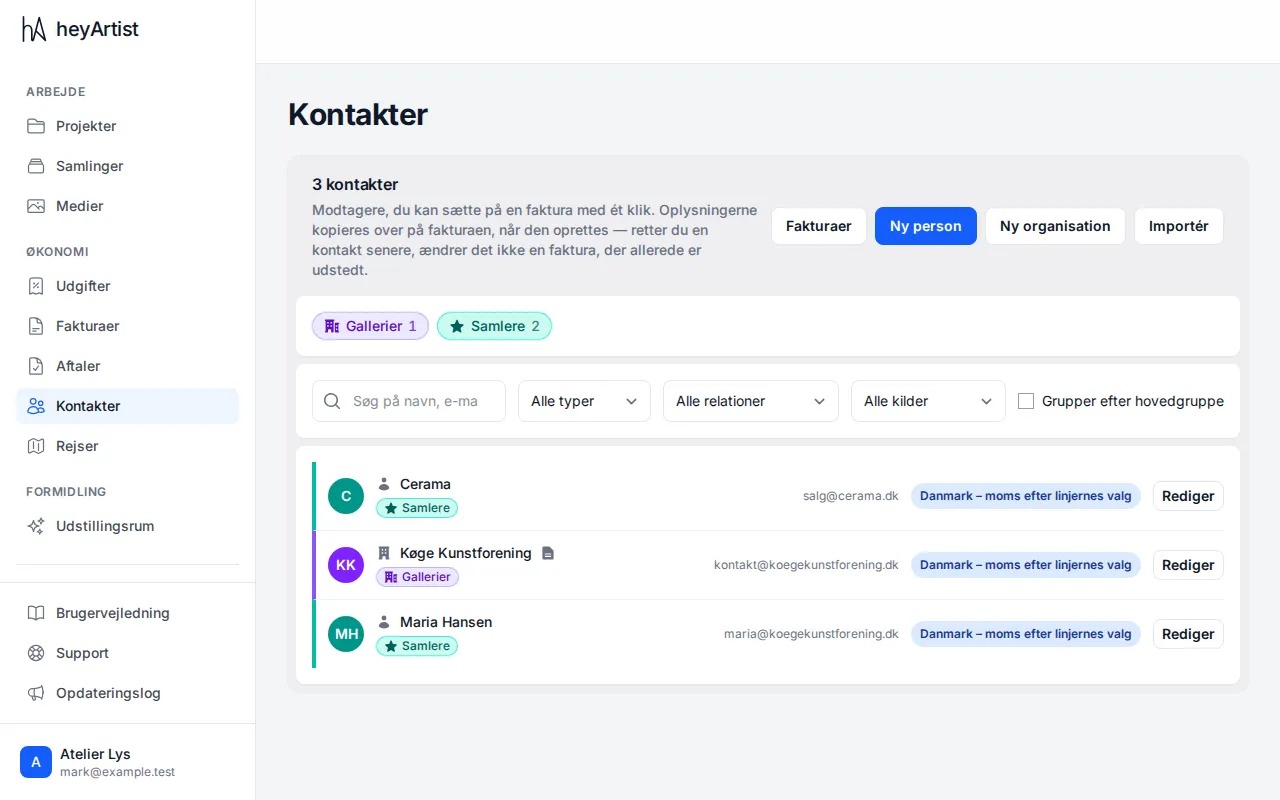
The list shows all your contacts. The colour and icon come from the contact’s first group. Click the groups at the top to see only those, or tick “Group by main group”.
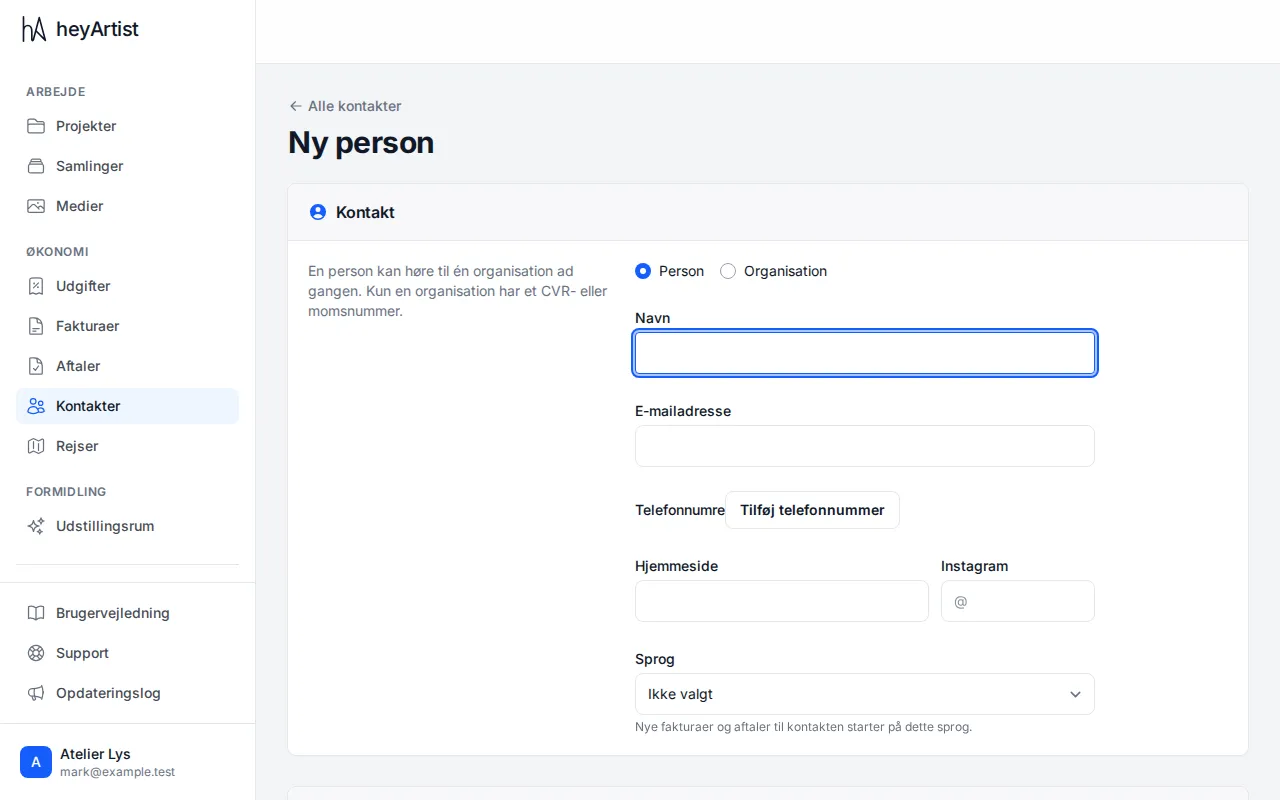
Click “New person” or “New organisation”. A person can belong to one organisation at a time, with a job title. Add phone numbers, addresses, a source and groups, and click “Save”.
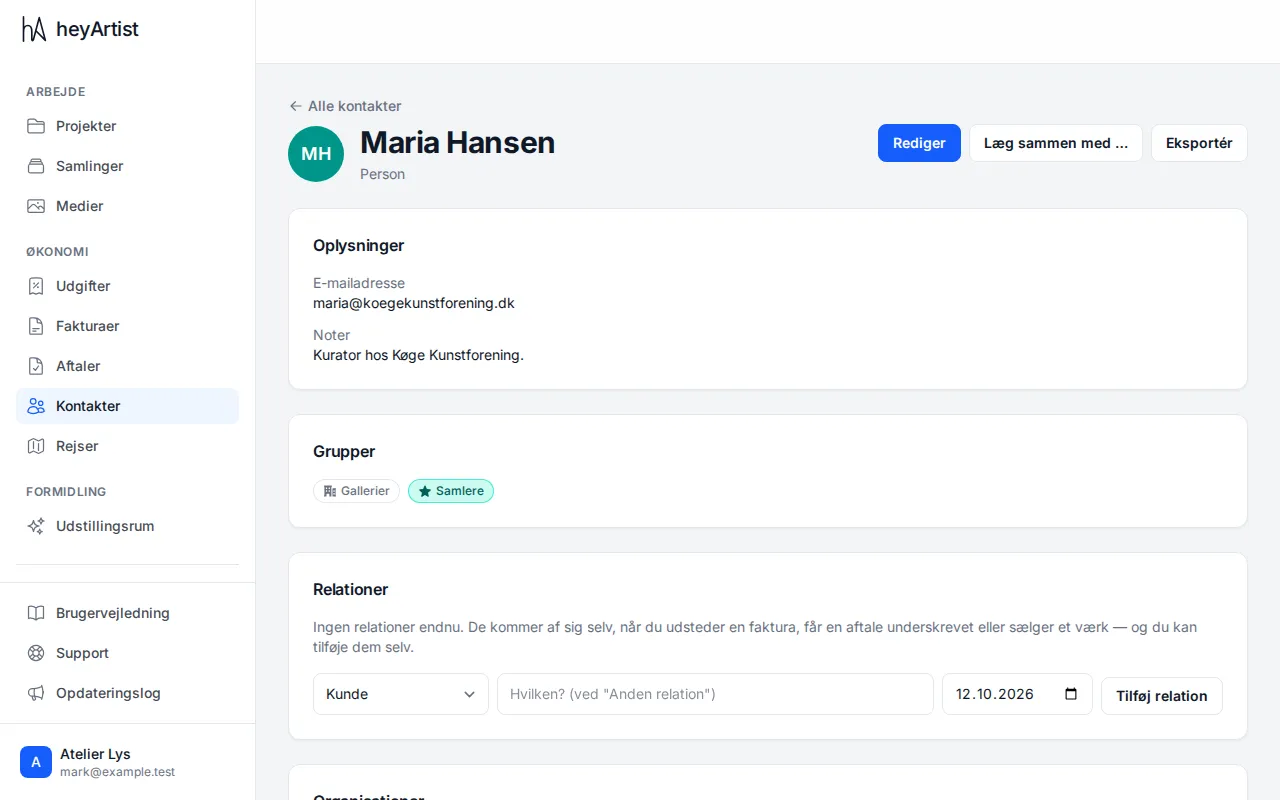
On the contact’s page you see the details, affiliations, relations and history. Write a dated note, or add a relation yourself. Relations such as Customer and Buyer appear by themselves from invoices, contracts and sold works.
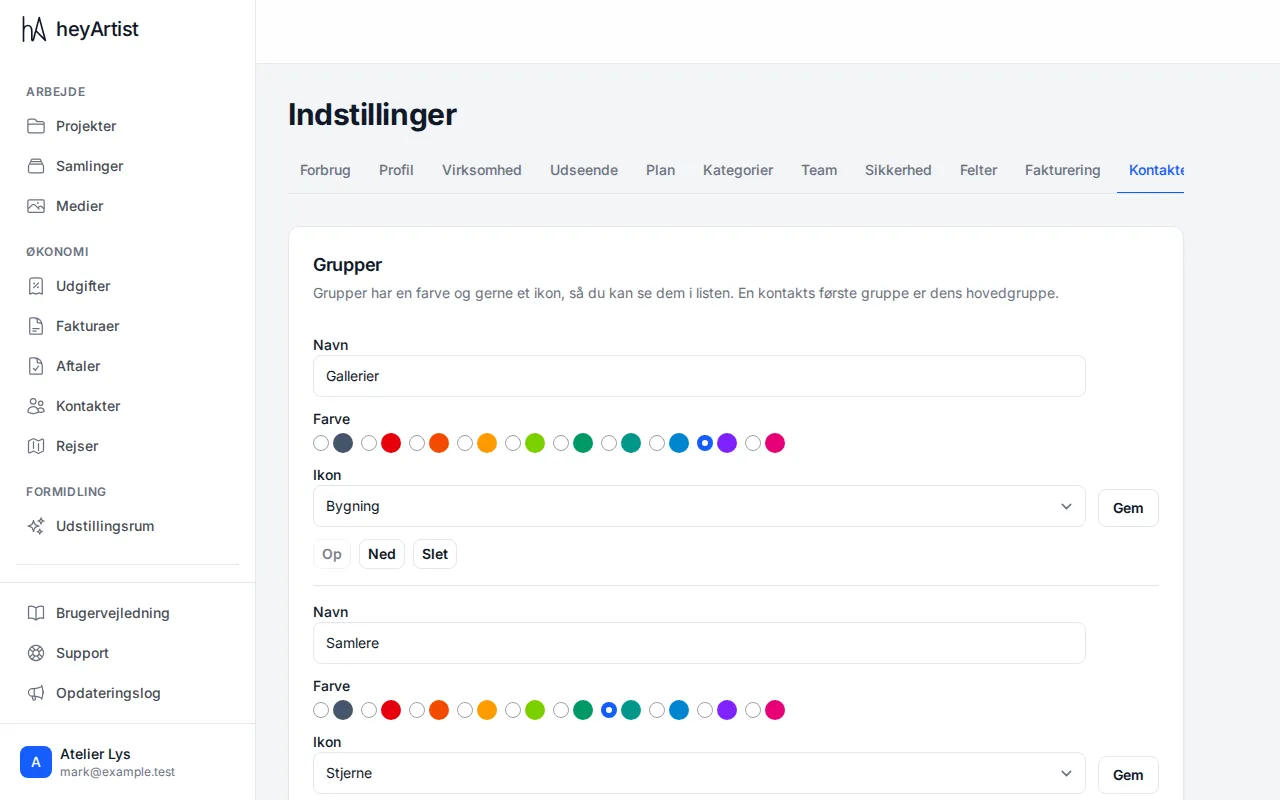
Under “Settings” → “Contacts” you create groups with a colour and an icon and decide their order. This is also where you edit the list of sources.
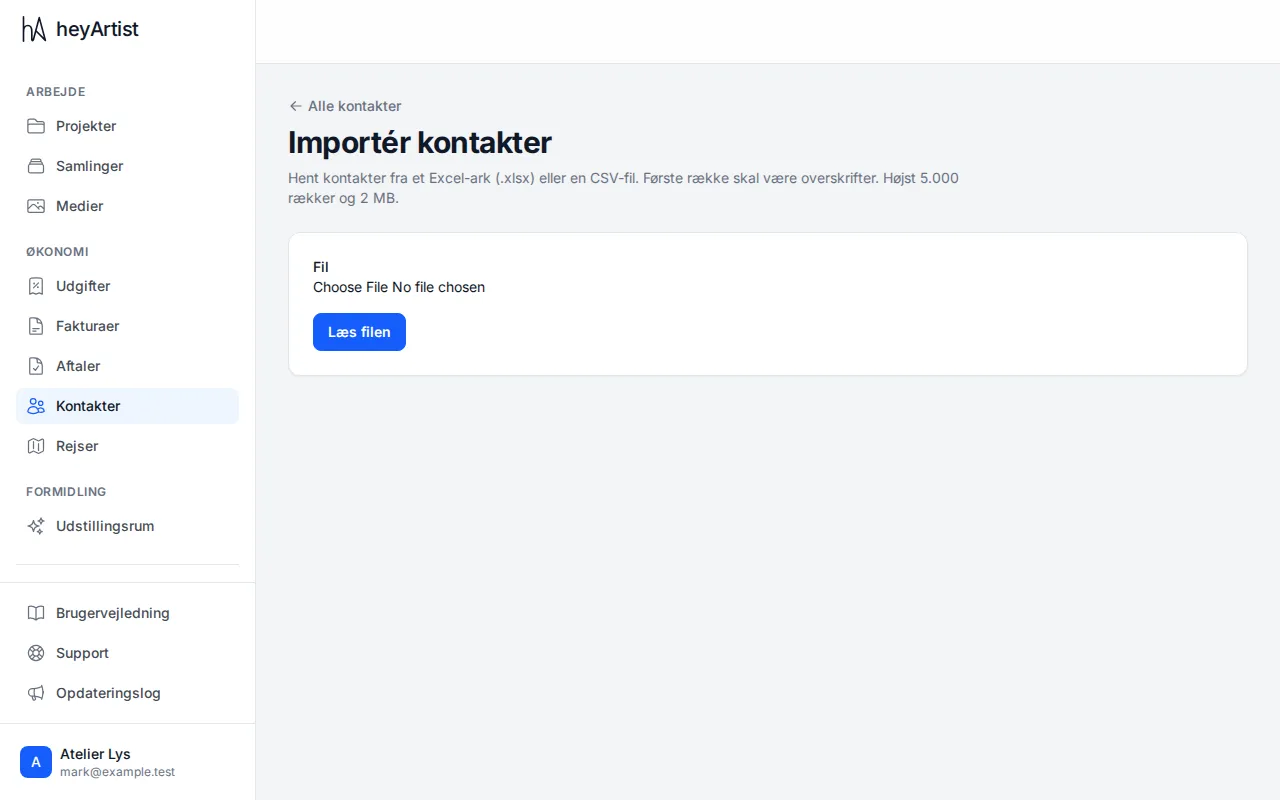
Click “Import” to bring in contacts from Excel or CSV. Choose what each column holds and review the rows: possible duplicates can be skipped, created anyway or used to update the existing contact.