

Projects and journal
A project brings together everything about an exhibition, a series or a commission: journal, works, expenses, invoices and agreements. In the journal you write about the work as you go, with pictures.
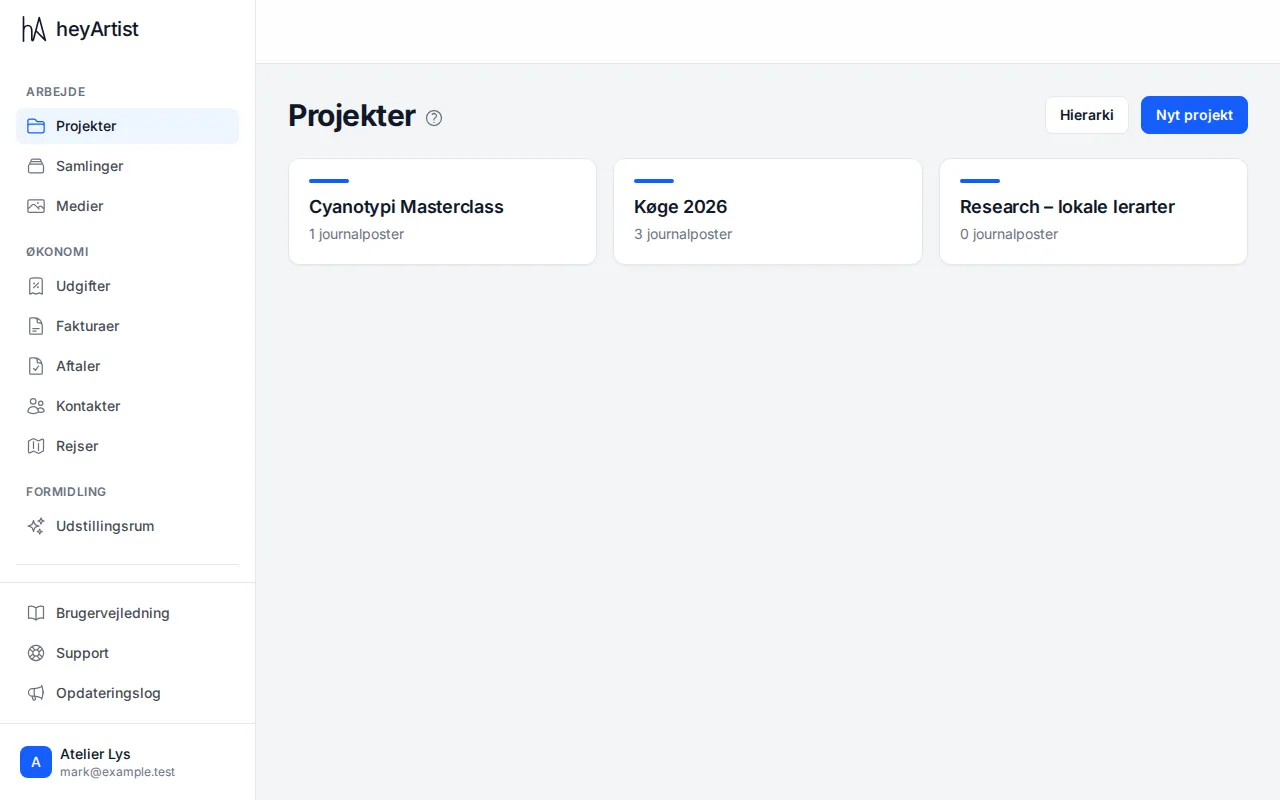
Under “Projects” you see all your projects and how many journal entries each has. “Hierarchy” shows the projects as a tree if you have sub-projects.
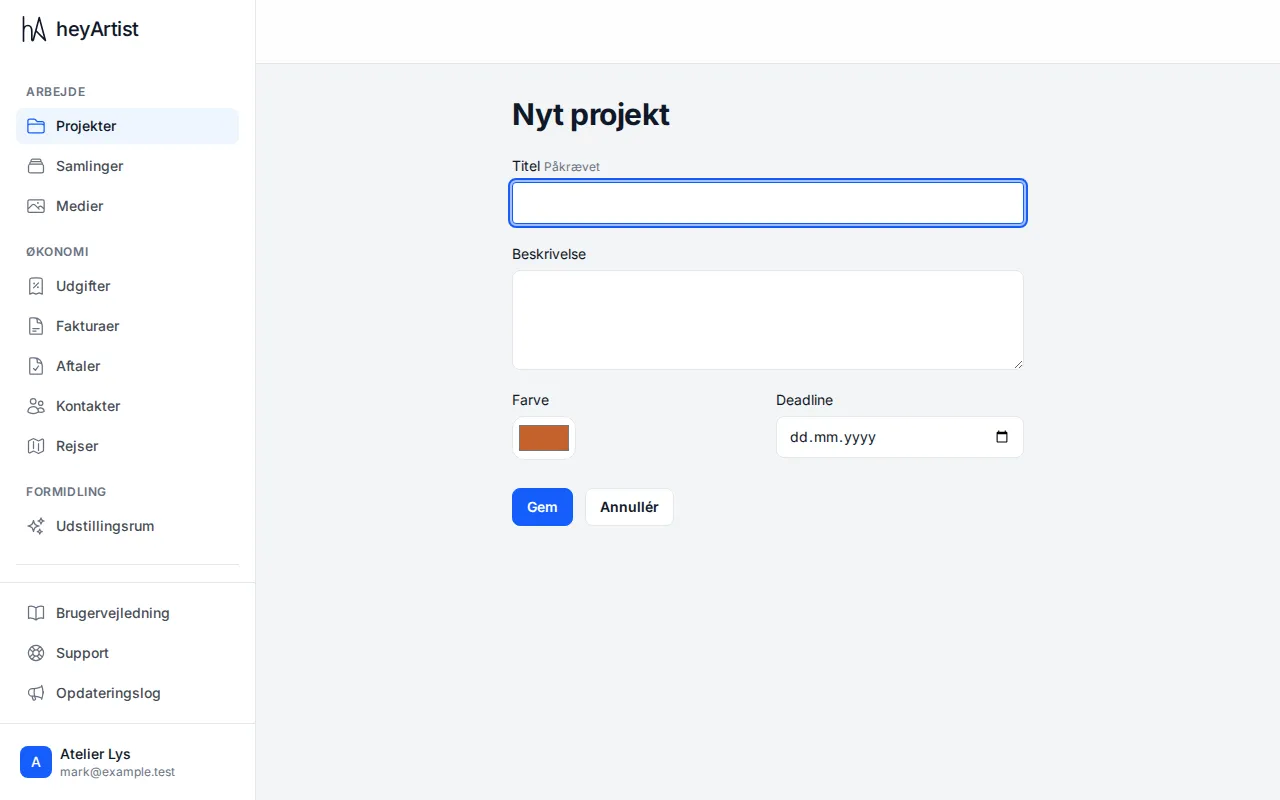
Click “New project”. Give it a title, and add a description, a colour and a deadline if you like. Click “Save”.
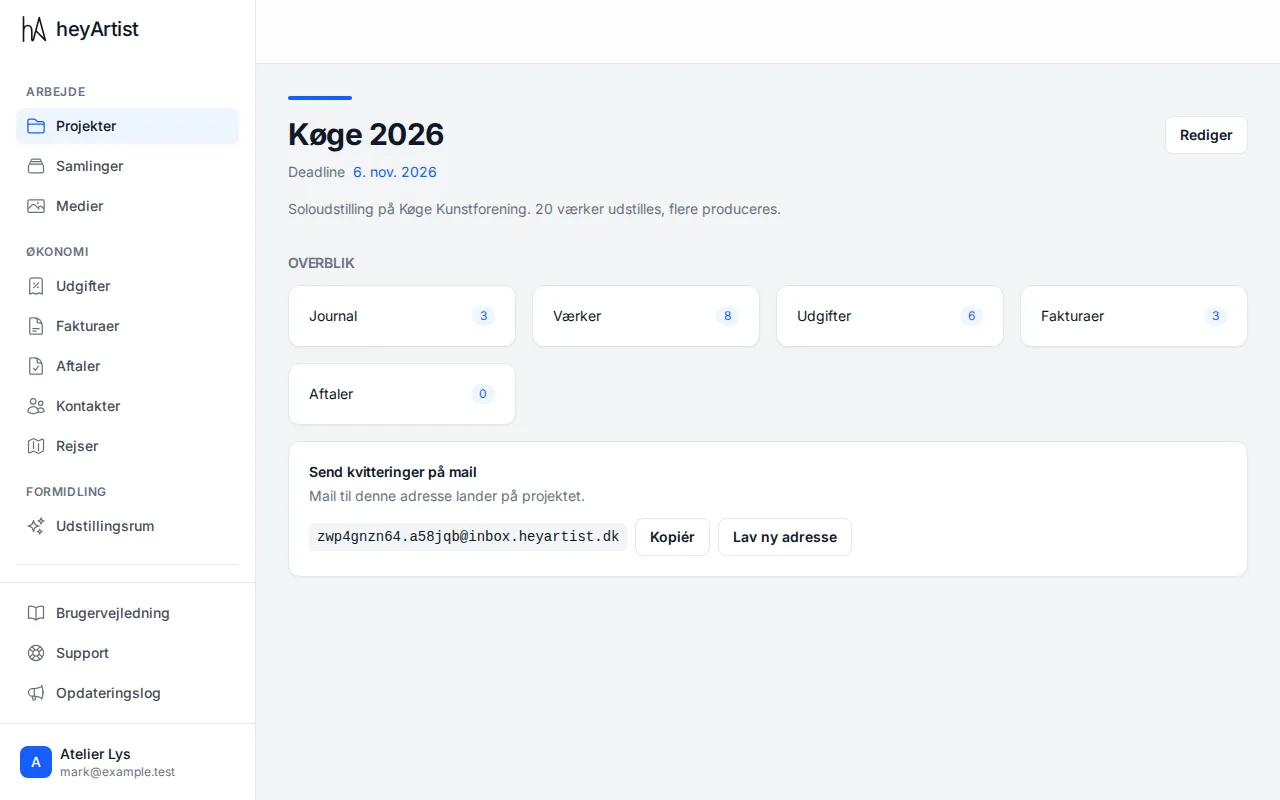
The project page gives an overview of the project’s journal, works, expenses, invoices and agreements. Click one of the tiles to see them. “Edit” changes the title, description and deadline.
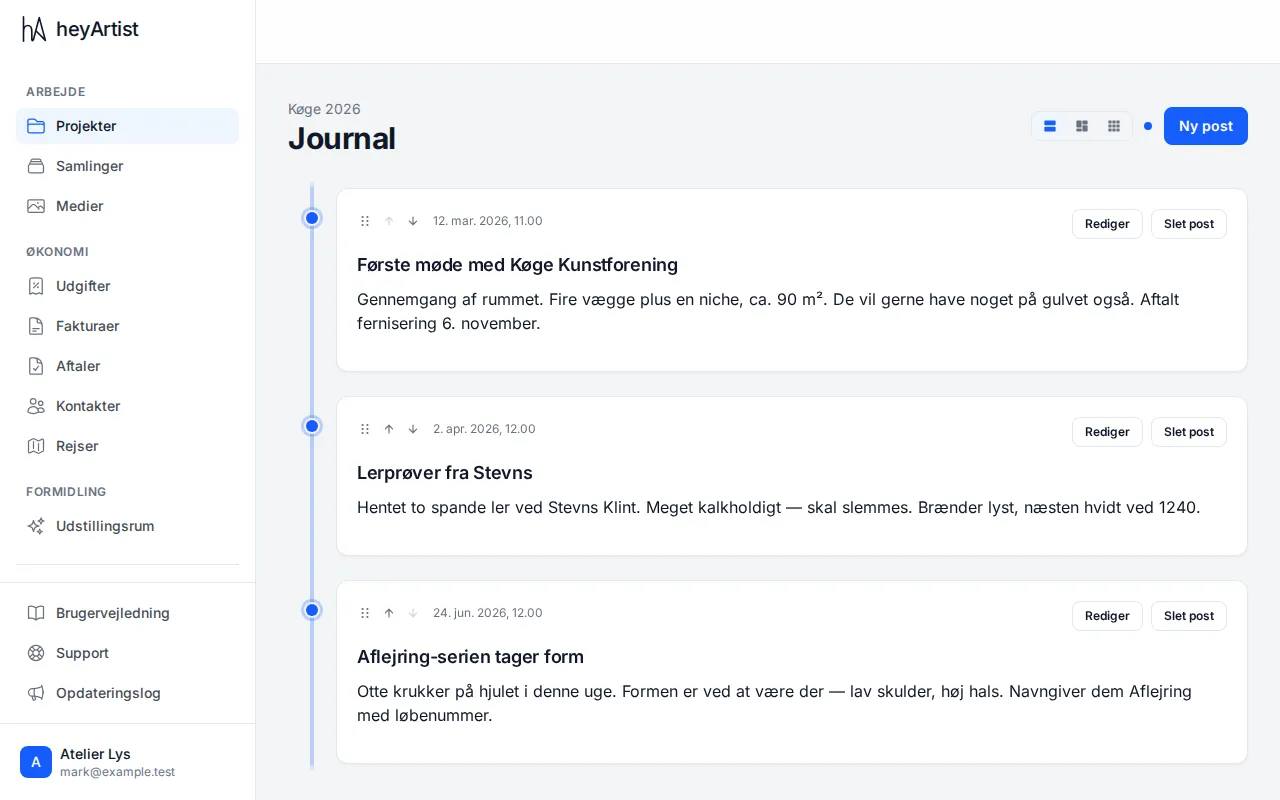
The journal shows the project’s entries on a timeline. The buttons at the top change the view, and the arrows move an entry up or down.
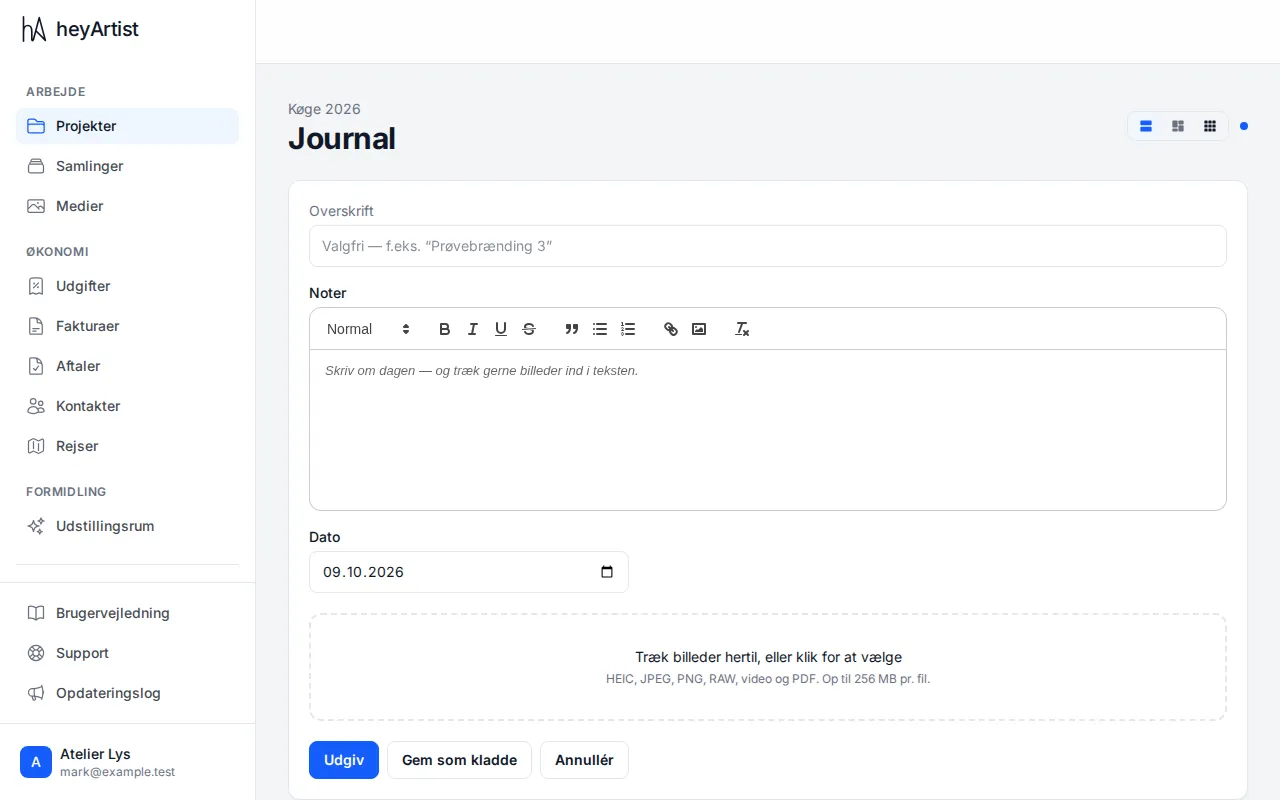
Click “New entry”. Write a heading (optional) and your notes, and drag pictures into the text or onto the area at the bottom. iPhone pictures (HEIC), RAW files, video and PDF work too.