

Support and updates
If you need help, you can write to heyArtist right in the app and follow the answer there. Under “What’s new” you can see what has changed.
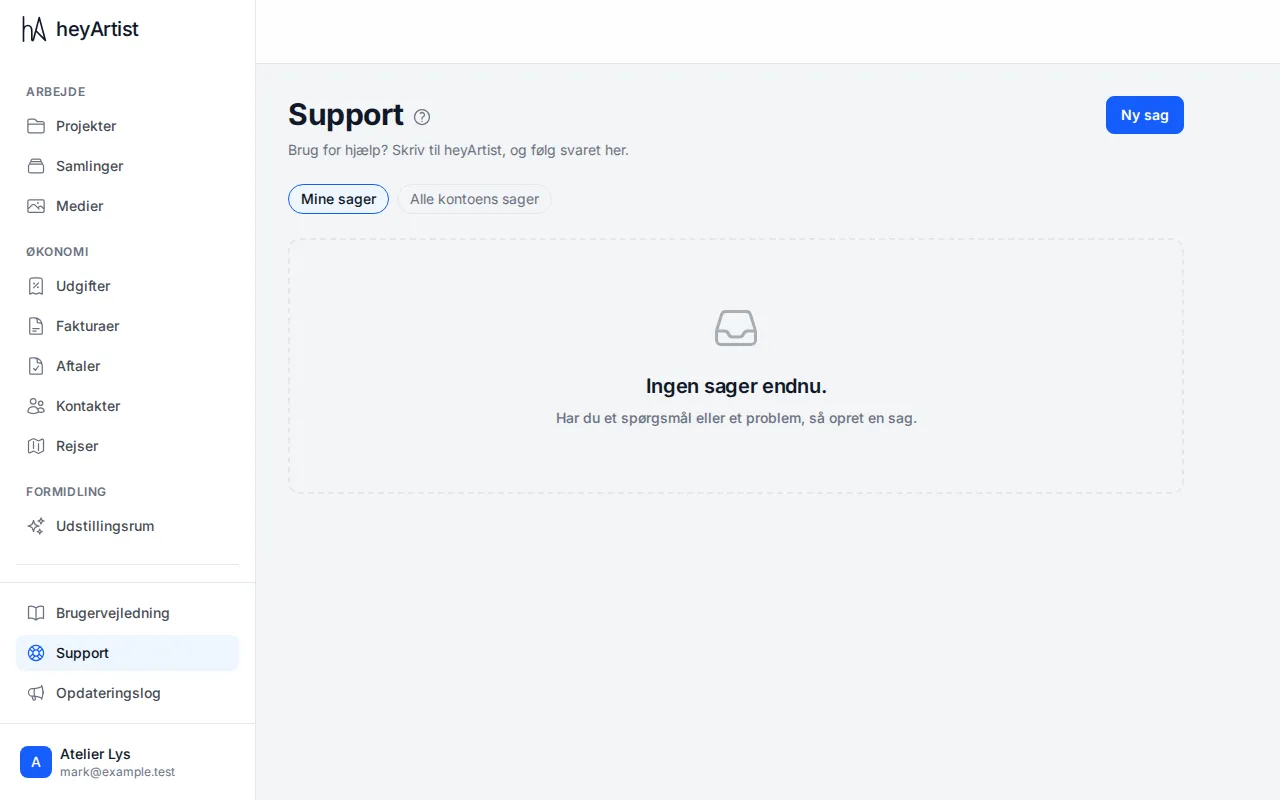
Click “Support” at the bottom of the menu. Here you see your cases and whether they are waiting for you or for heyArtist. If you manage the account, “All of the account’s cases” shows everyone else’s cases too.
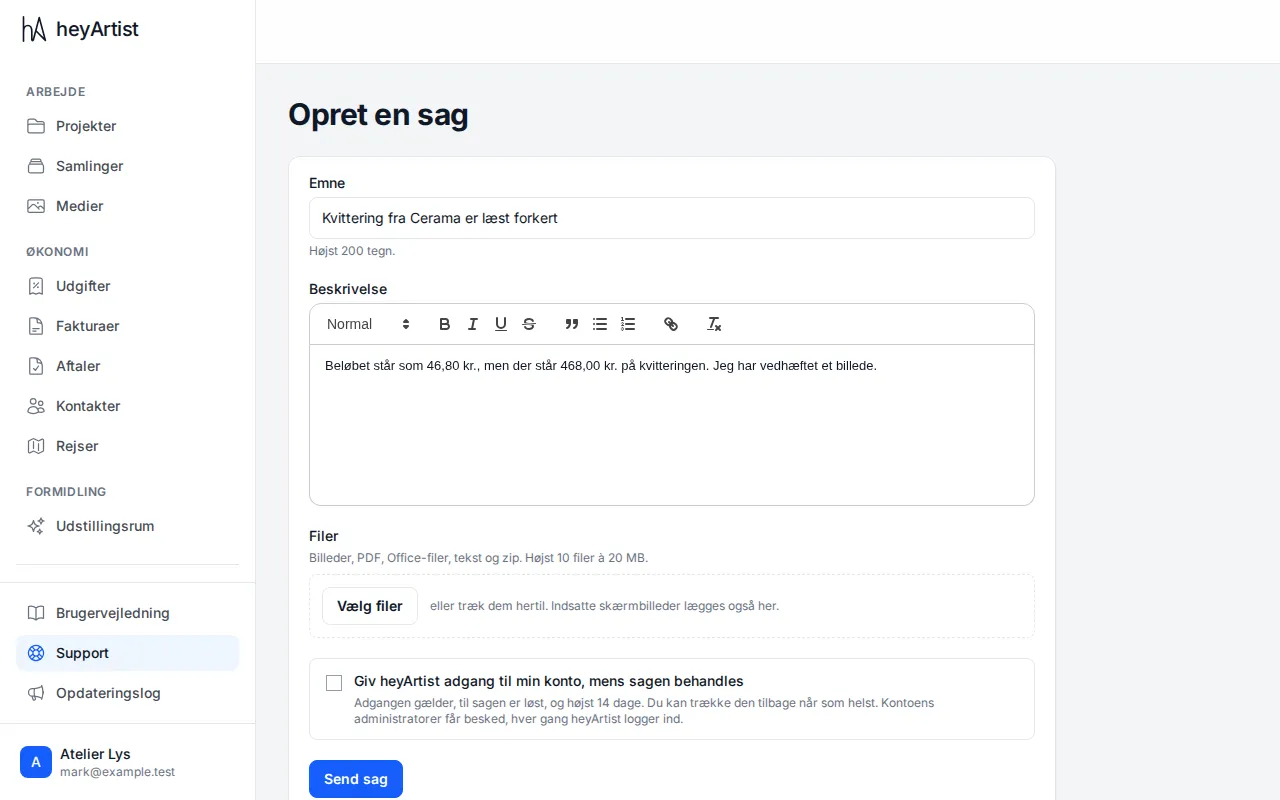
Click “New case”. Write a short subject and describe what happened. Add pictures or files with “Choose files” if you like – you can also drag them in or paste a screenshot straight in.
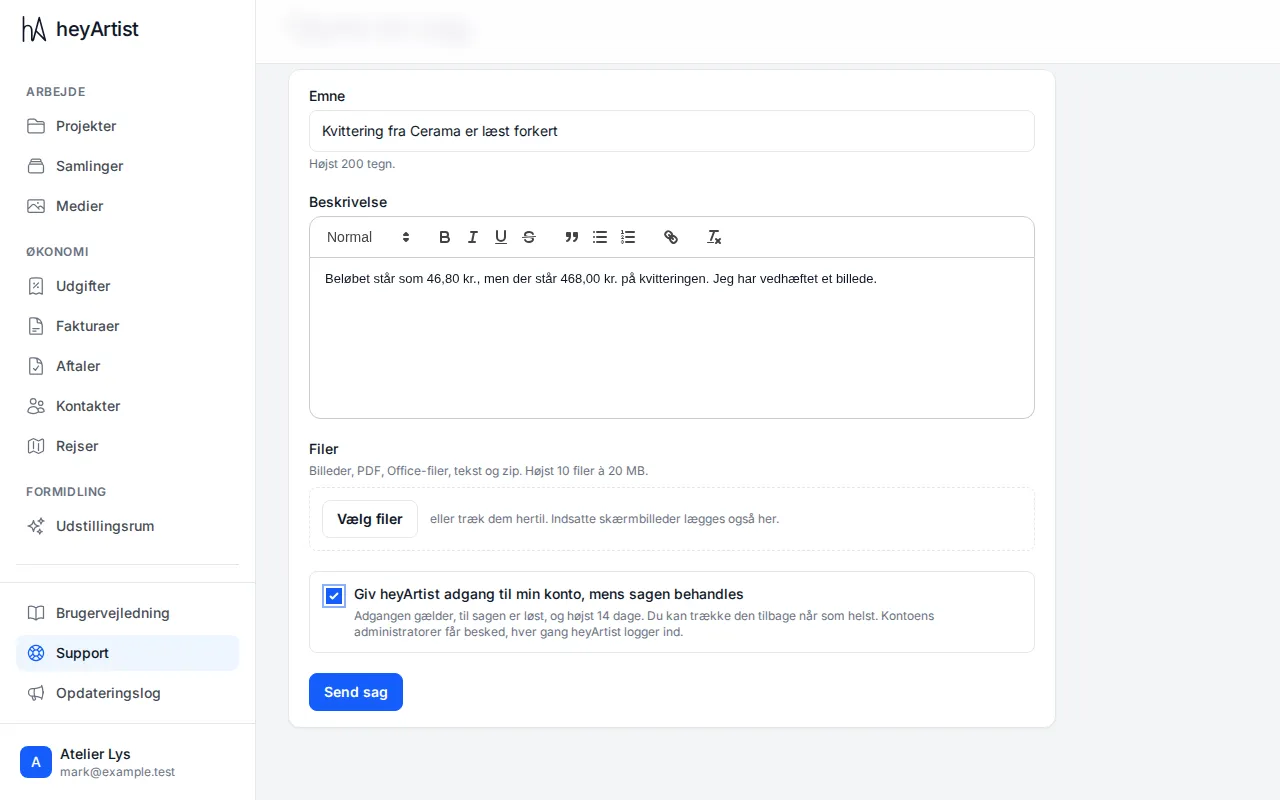
If you like, you can give heyArtist access to your account while the case is being handled. Then we can see what you see. The access lasts until the case is resolved, and at most 14 days, and the account’s administrators are told each time heyArtist signs in. You can withdraw the access at any time.
You follow the conversation on the case. Reply in the same place, and attach more pictures if it helps.
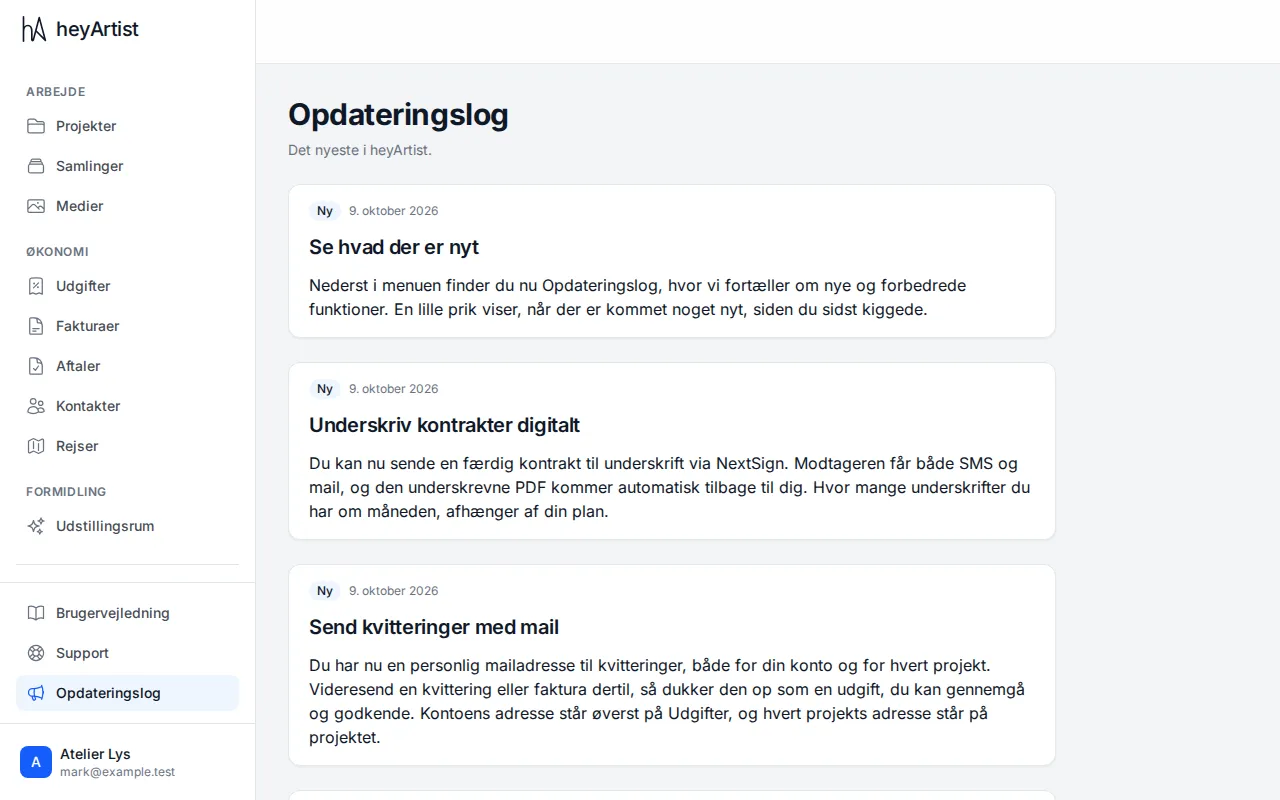
Under “What’s new” we tell you about new and improved features. A small dot by the menu item shows that something new has arrived since you last looked.