

Settings and your data
Under “Settings” you change the account’s details, secure your sign-in and download all of the account’s data.
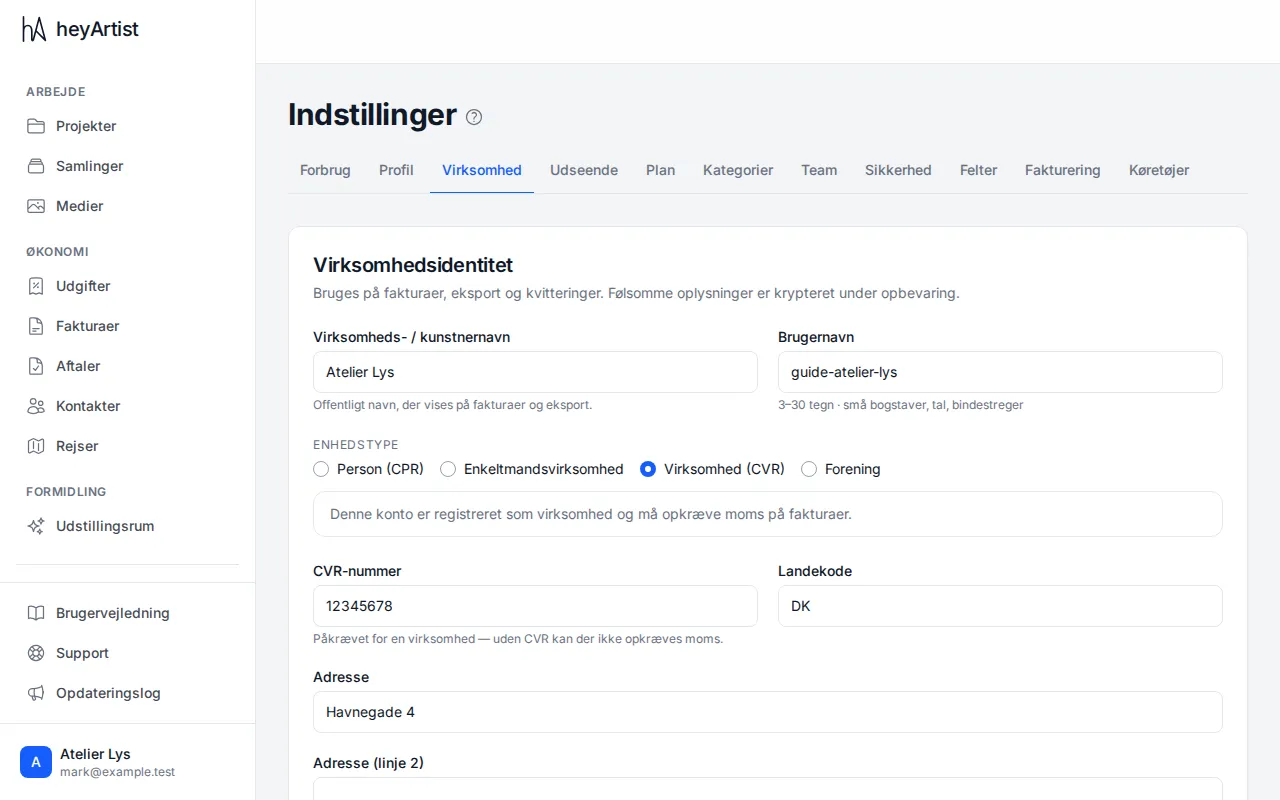
Click “Settings” in the menu. The tabs at the top hold everything: profile, business, appearance, plan, categories, team, security and invoicing, among others. Under “Business” are the name, CVR number and address used on invoices and exports.
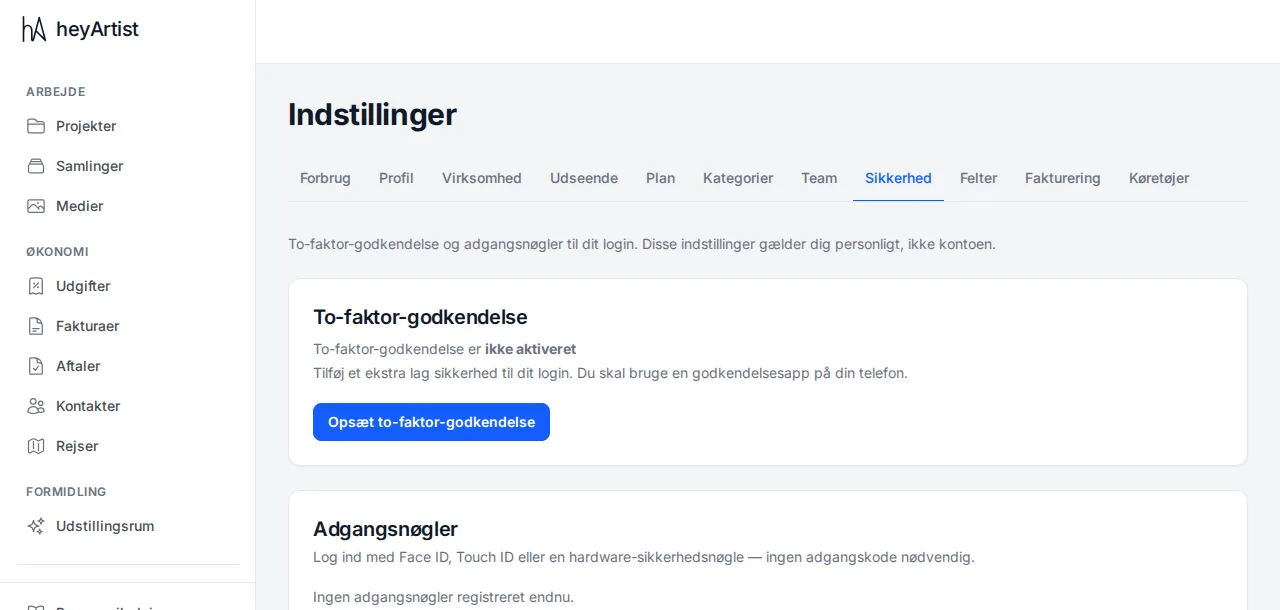
Under “Security” you can turn on two-factor authentication with an authenticator app on your phone, and add a passkey so you can sign in with Face ID, Touch ID or a security key. These settings apply to you personally, not to the account.
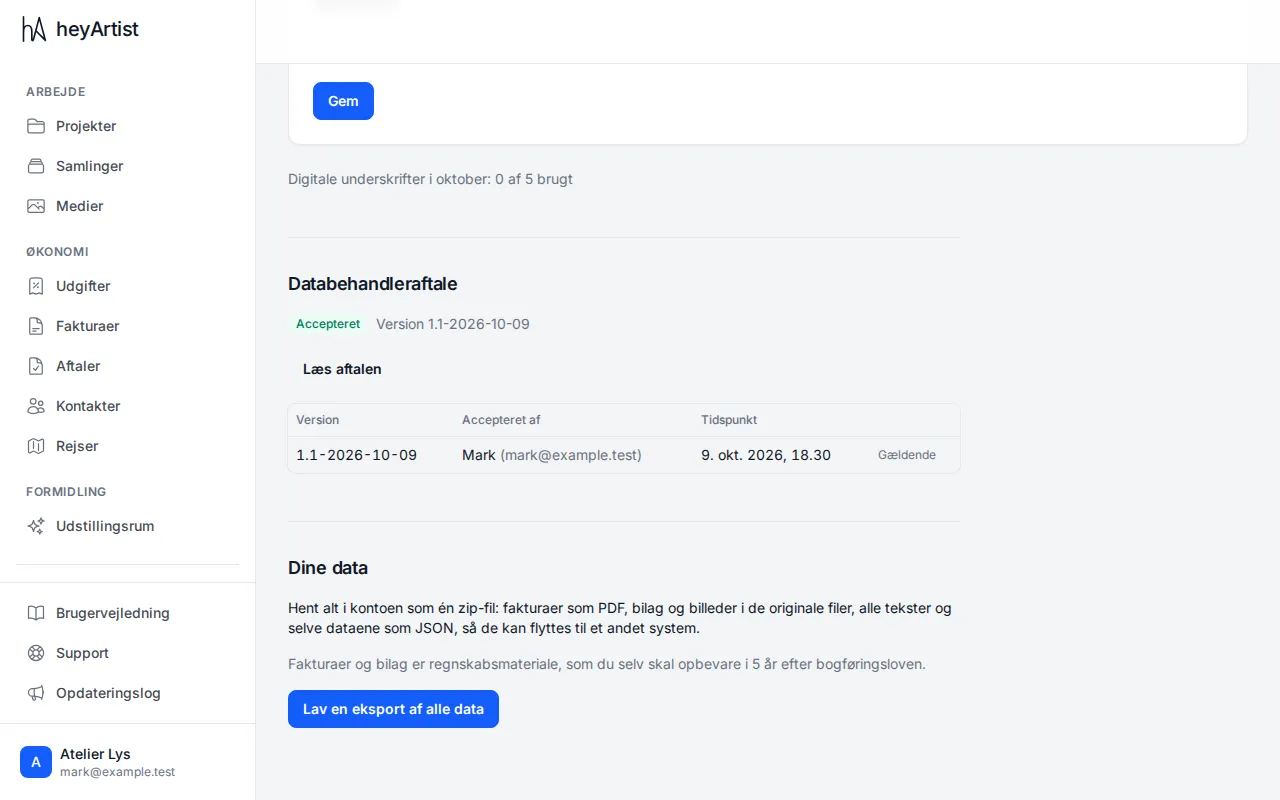
At the bottom of the page under “Your data” you can download everything in the account as one zip file: invoices as PDF, receipts and pictures as the original files, all texts and the data itself. Click “Export all data”. You get an email when it is ready, and download it here. Only the account’s administrators can make the export.