

Works and the artwork list
Under “Collections” you record your works with pictures, dimensions, materials and price. From them you can make an artwork list for an exhibition or a gallery.
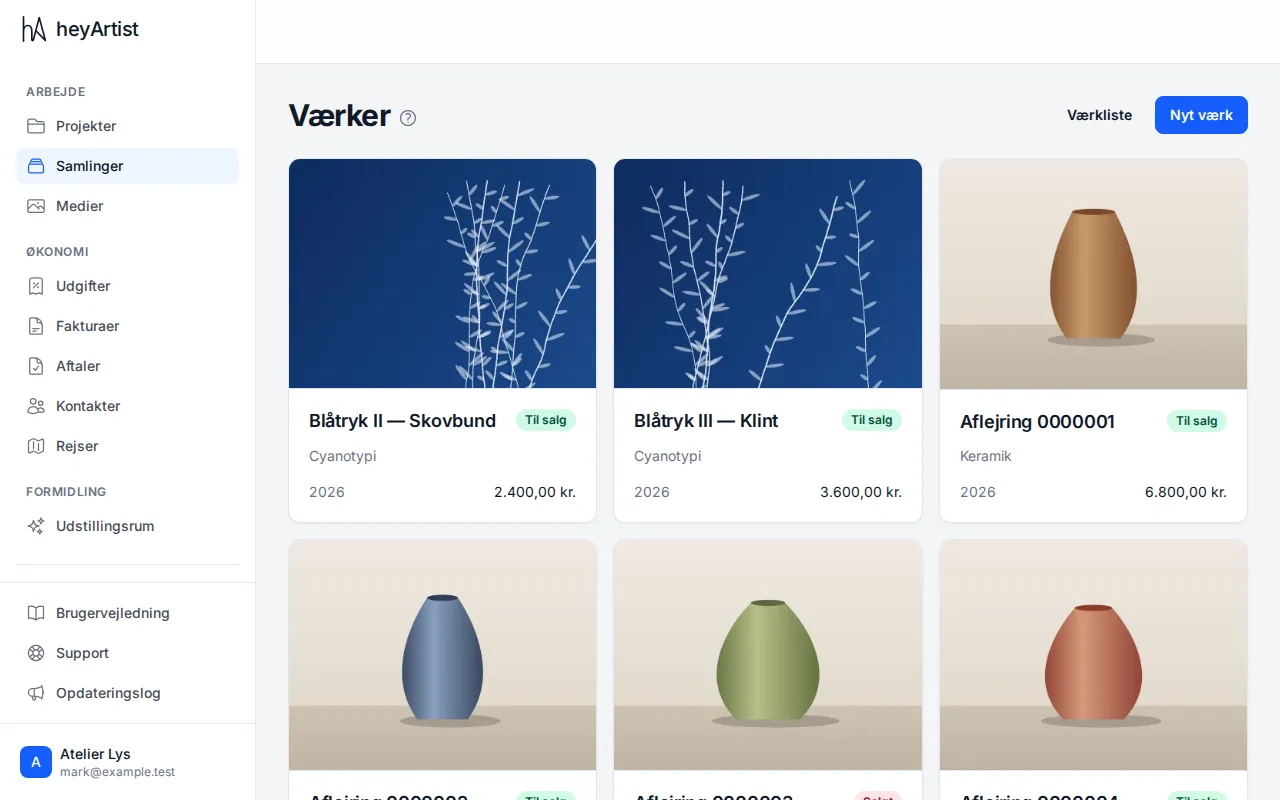
Click “Collections” in the menu. Here you see all your works with picture, category, year, price and status, such as “Available” or “Sold”.
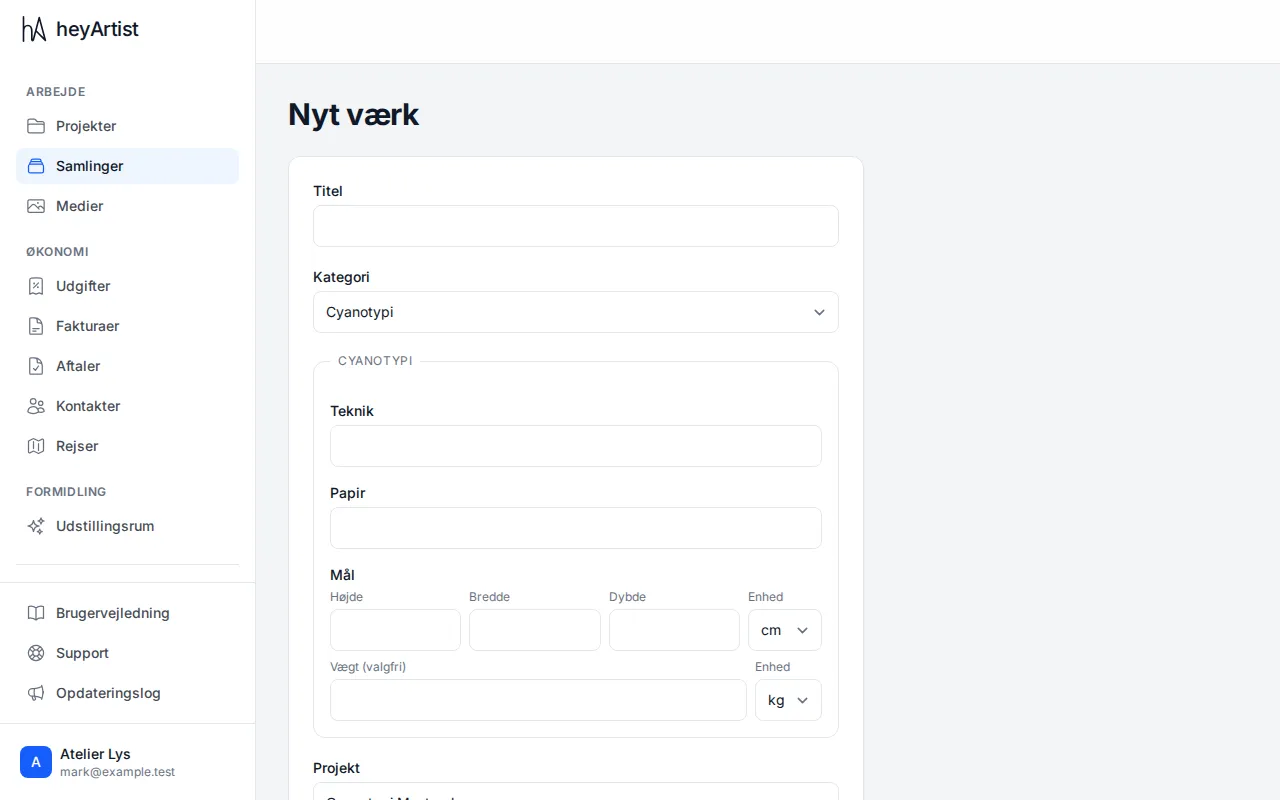
Click “New artwork”. Type the title and choose a category. The category decides which fields you fill in, such as technique, paper and dimensions. Choose the project, year, price and status too, and click “Save”.
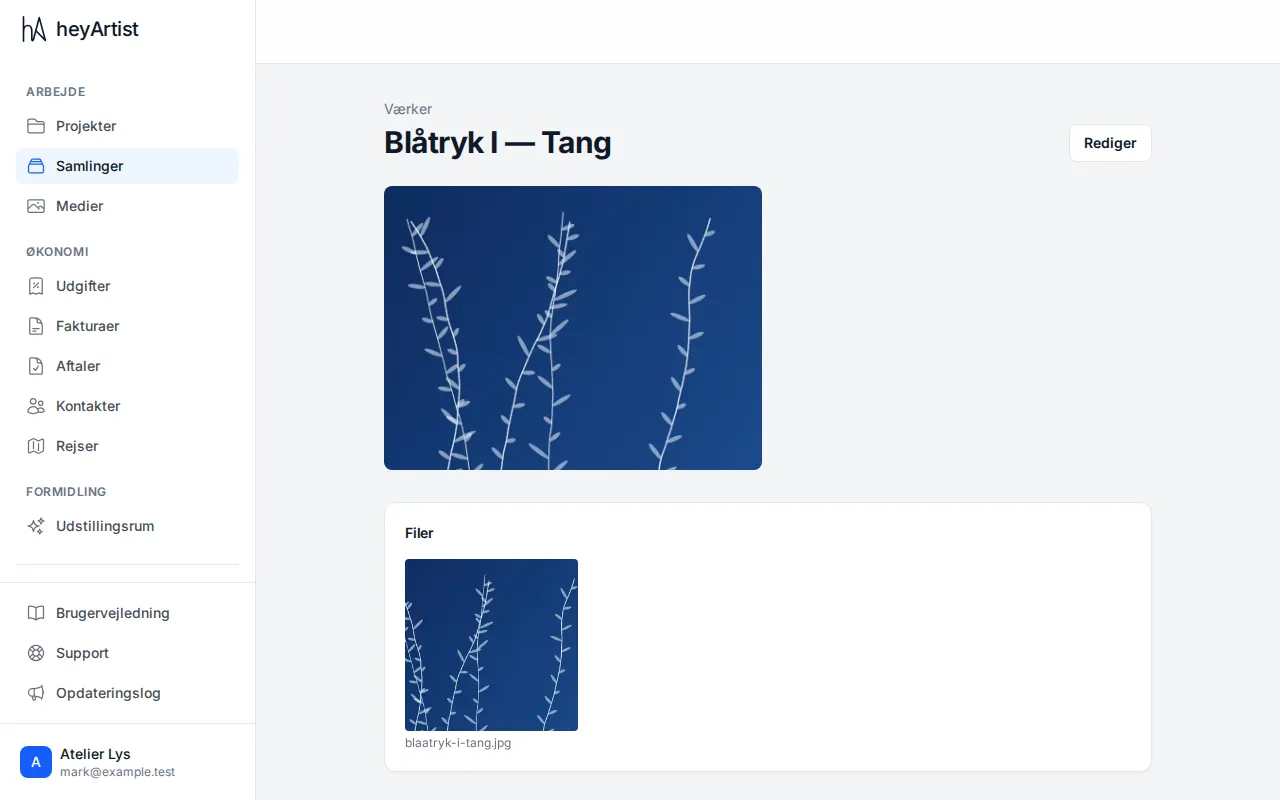
Click a work to see it with its pictures and files.
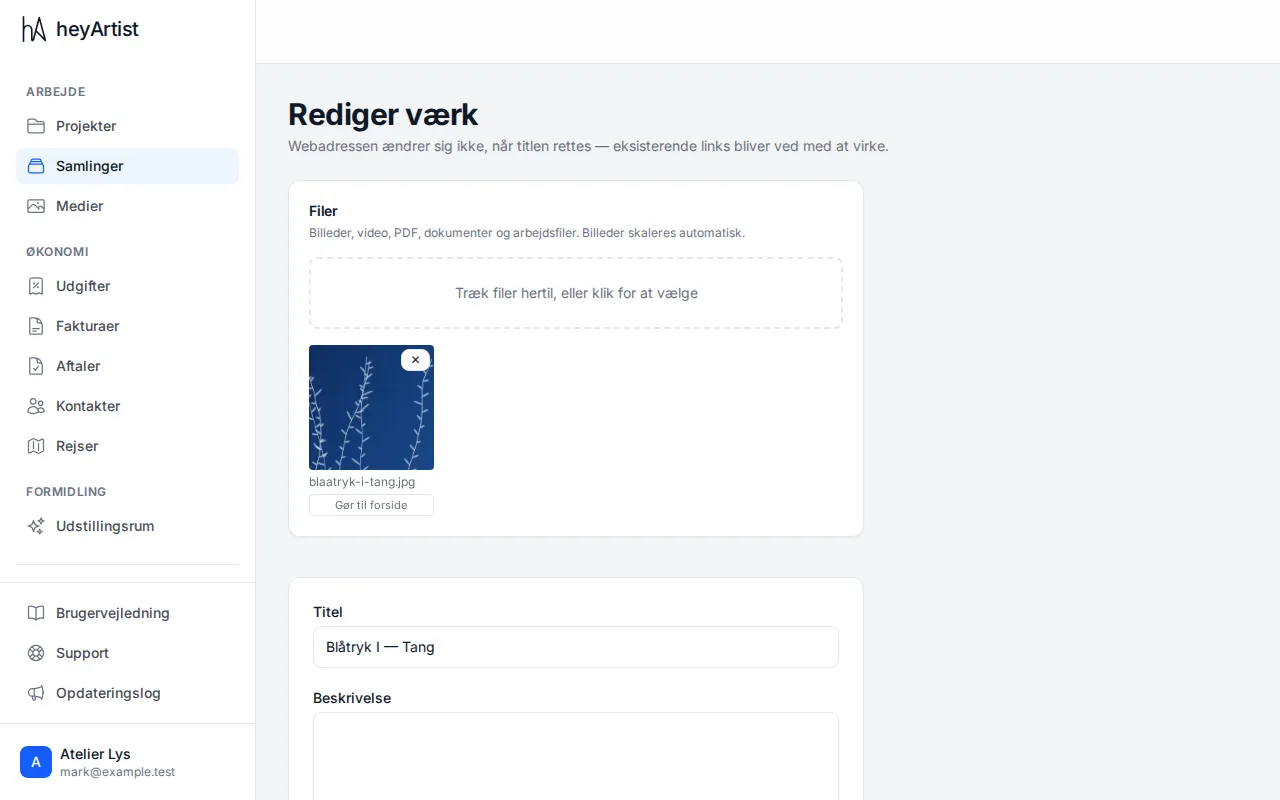
Add pictures with “Edit”: drag files onto the area, or click to choose them. You can also add video, PDF and other files. “Make cover” chooses which picture is shown for the work.
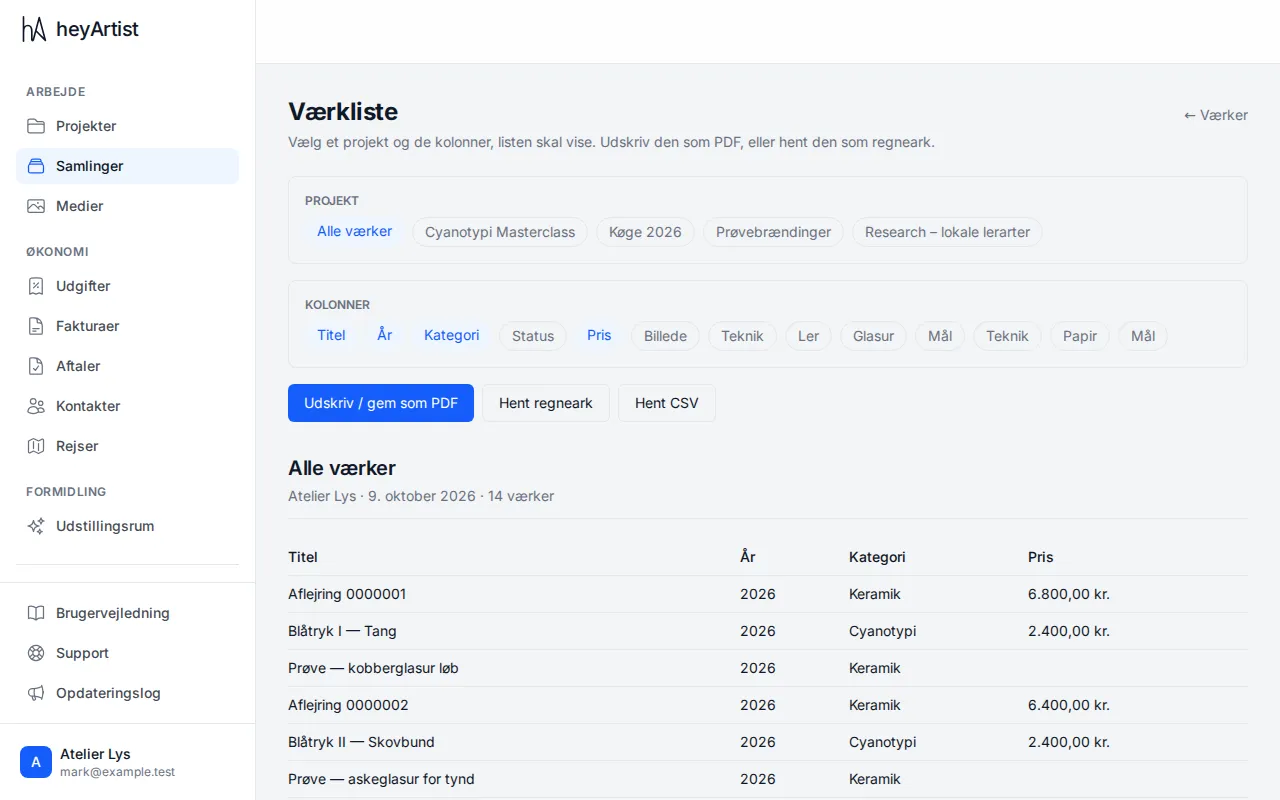
Click “Artwork list” at the top of the page. Choose a project and the columns the list should show. Print the list or save it as a PDF, or download it as a spreadsheet or CSV.